Printable Birthday Cards to Color
Birthday card coloring pages I drew to be folded, not just colored. Each one has a cover, a fold line and lines for a message. Puns for kids, numbers for ages 5 to 9, flowers for grown-ups, and a blank one to draw on. Tap any card to see it full size and grab it as a PDF, a transparent PNG or an SVG.
17 cards Free · No sign-up · A4 & US Letter · Updated 2026-10-27
Birthday card coloring pages for anyone
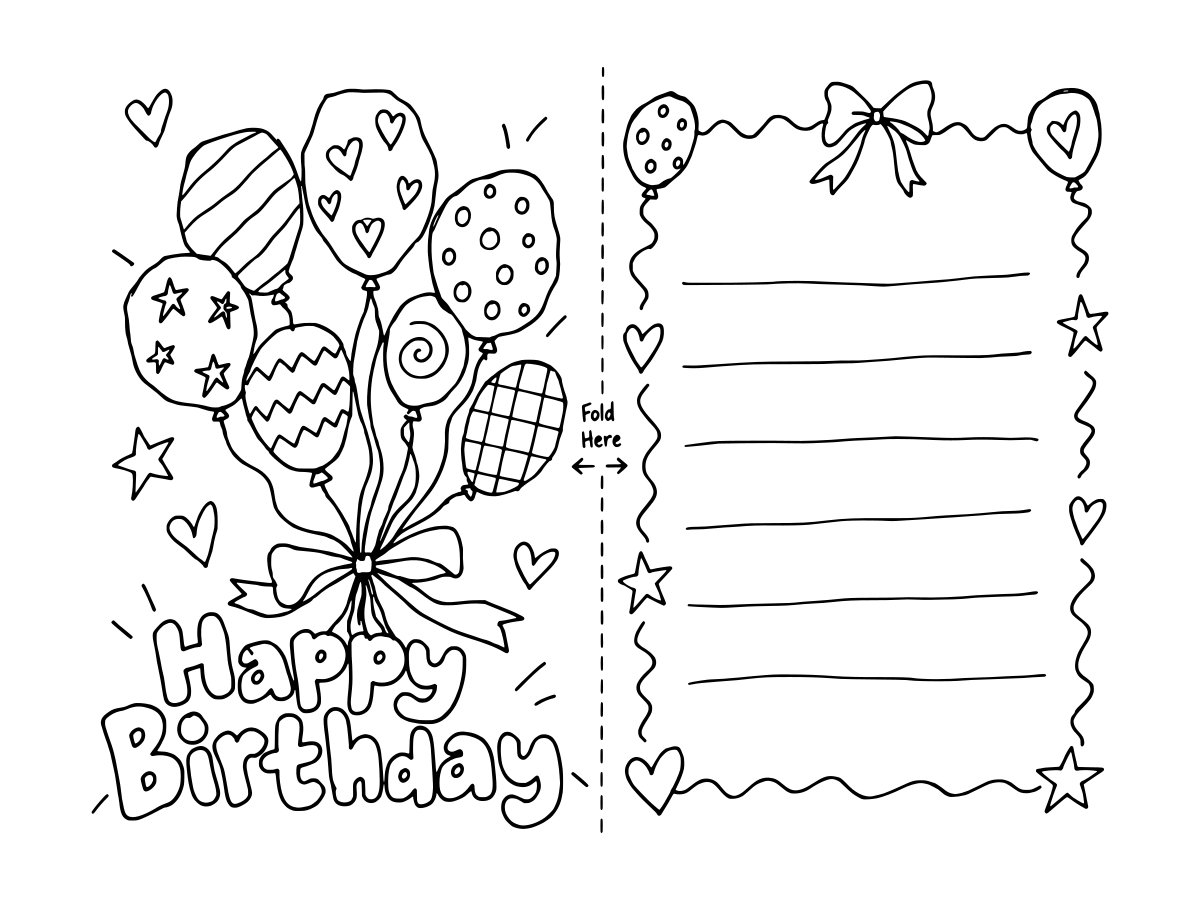
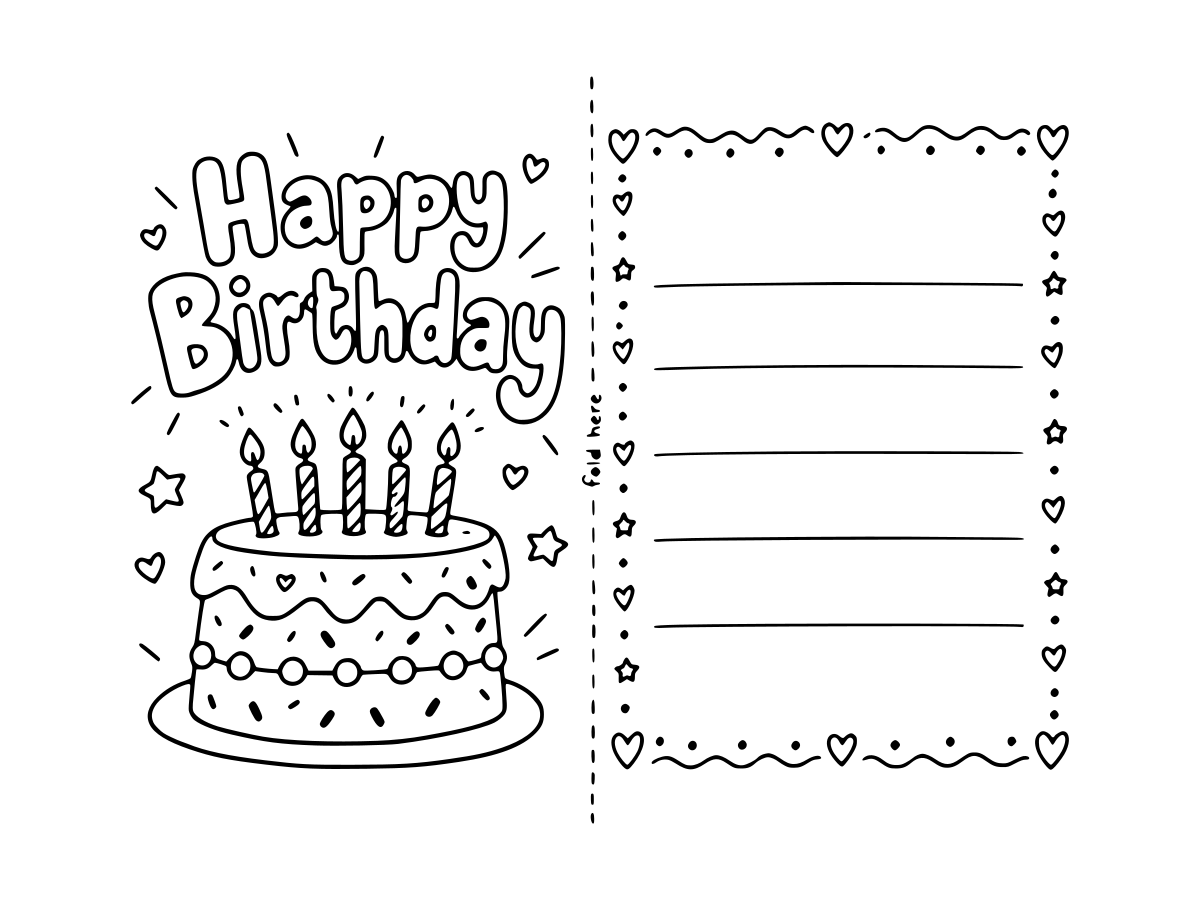
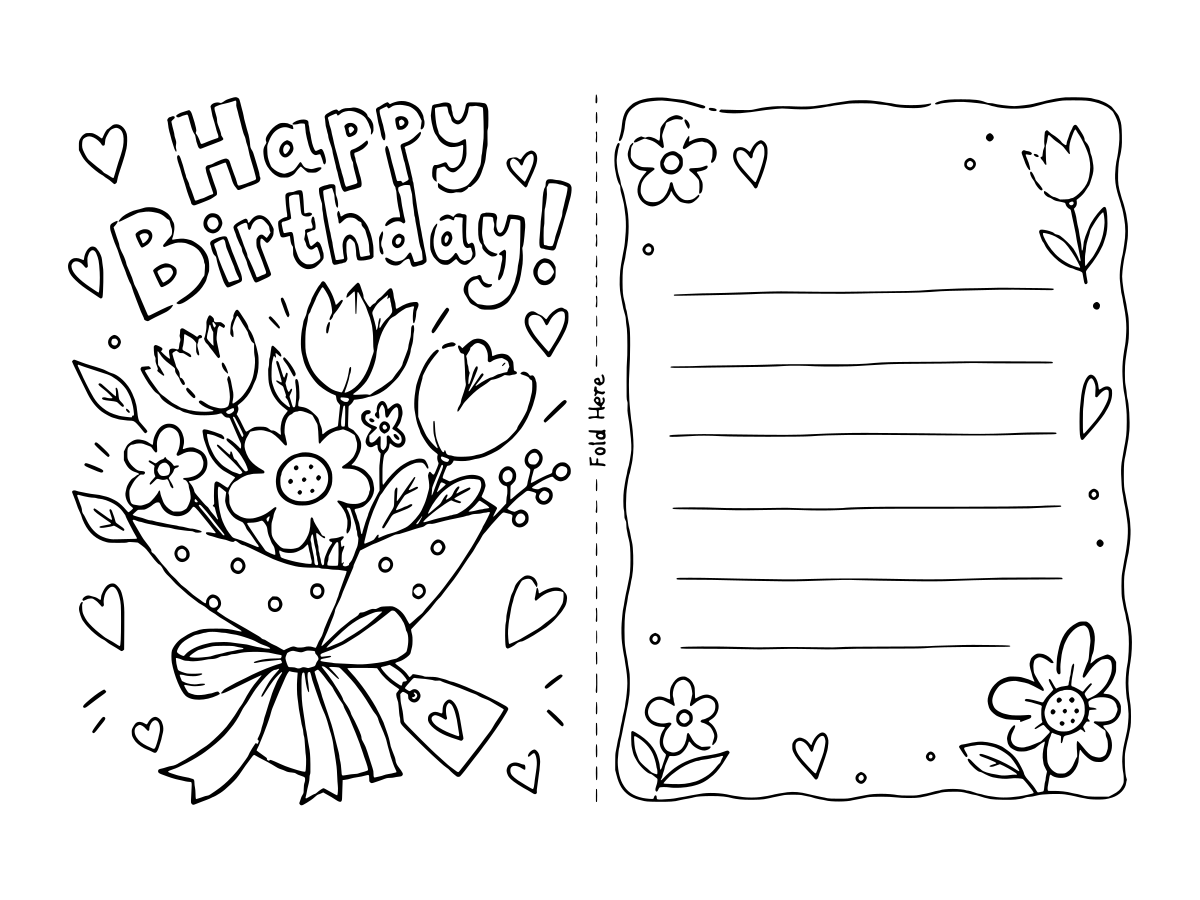
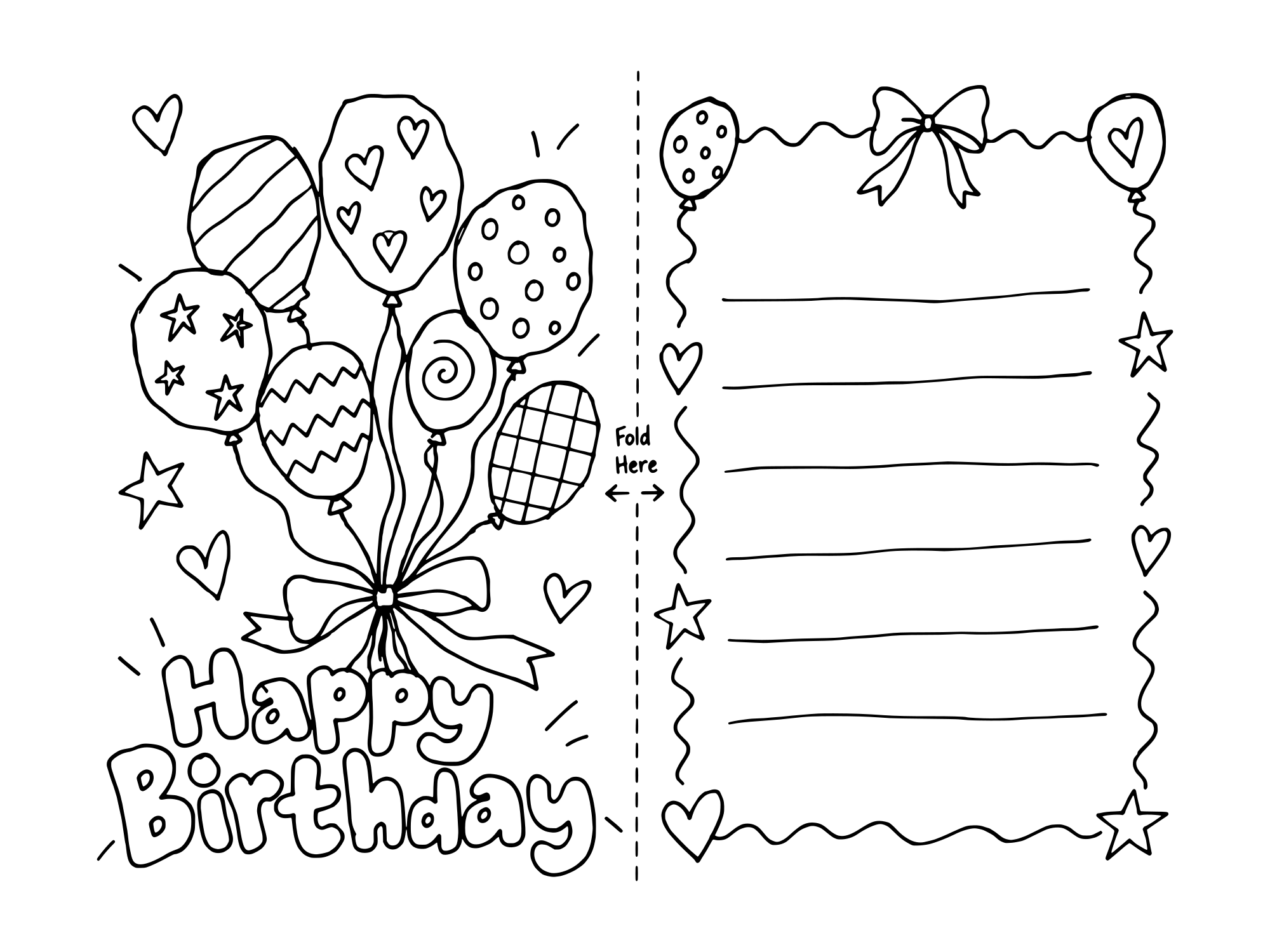
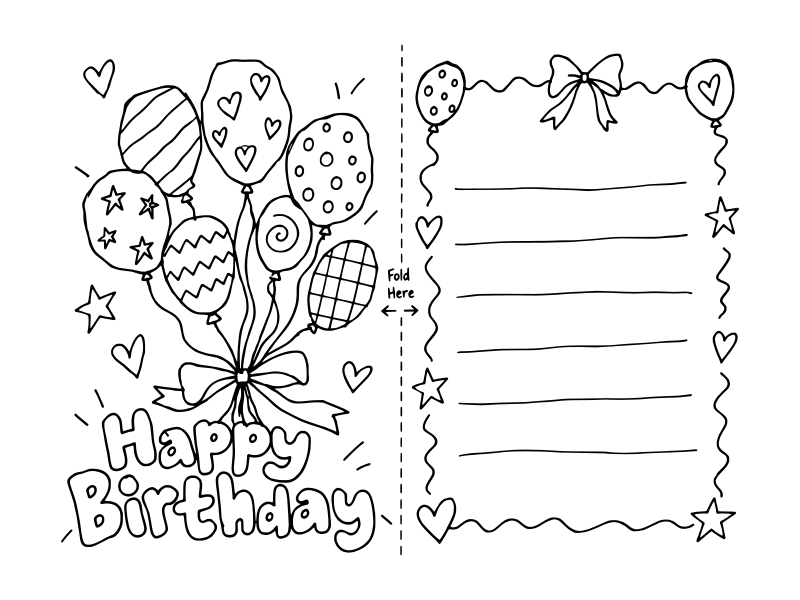
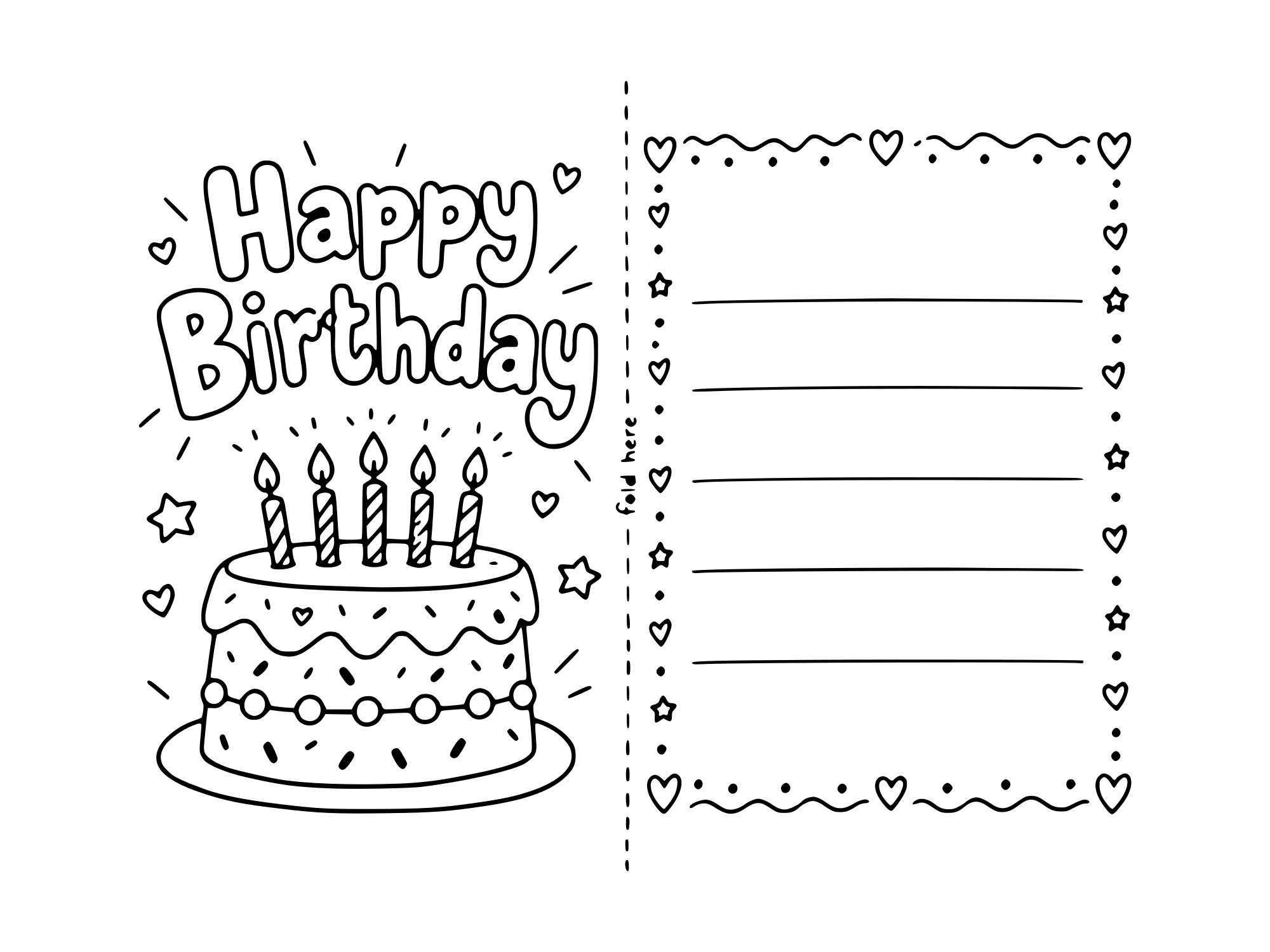
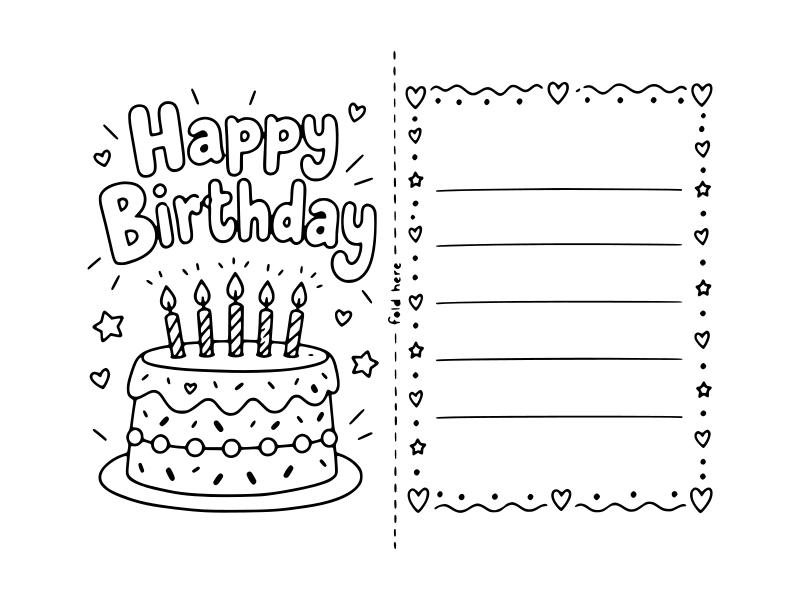
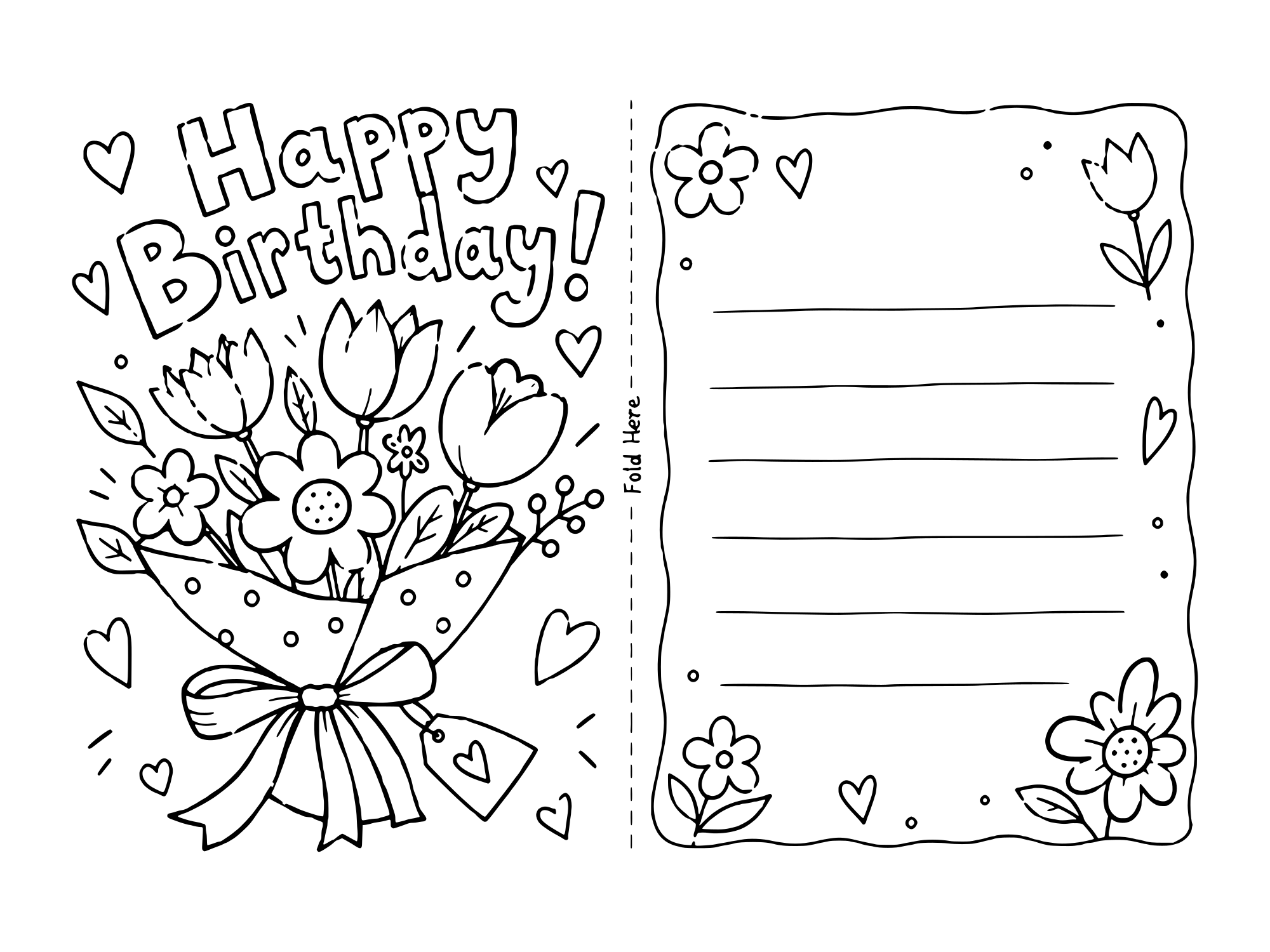
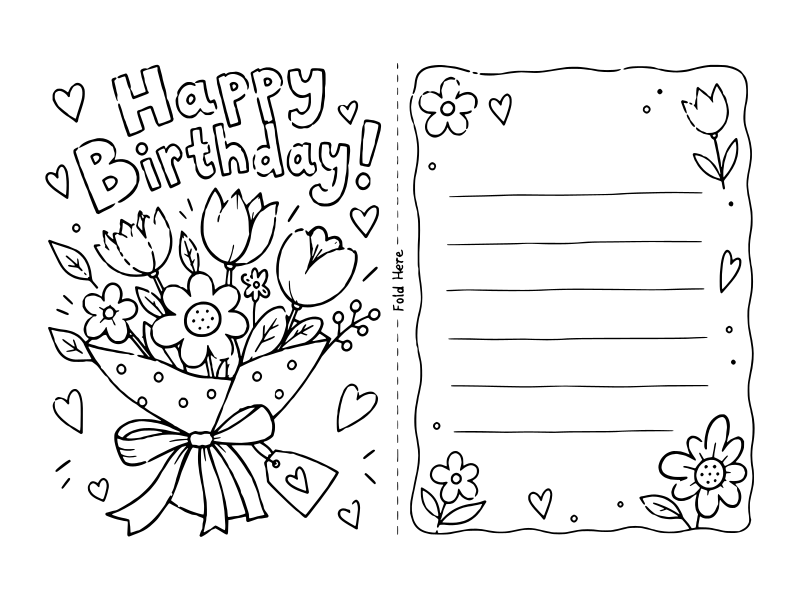
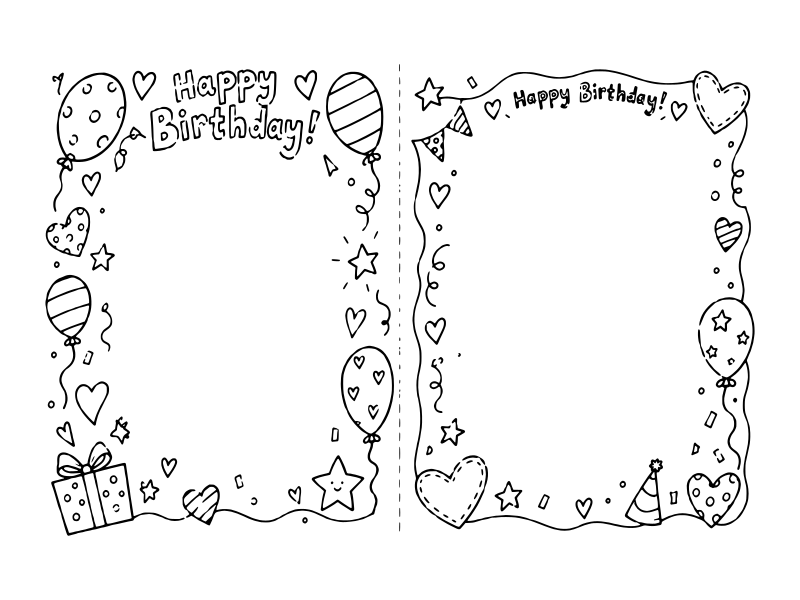
Birthday cards to color and print for anyone: balloons, a candlelit cake and a bunch of flowers. The flower card is the one to pick for grandma, an aunt or a teacher.
Cute coloring birthday cards for kids to give
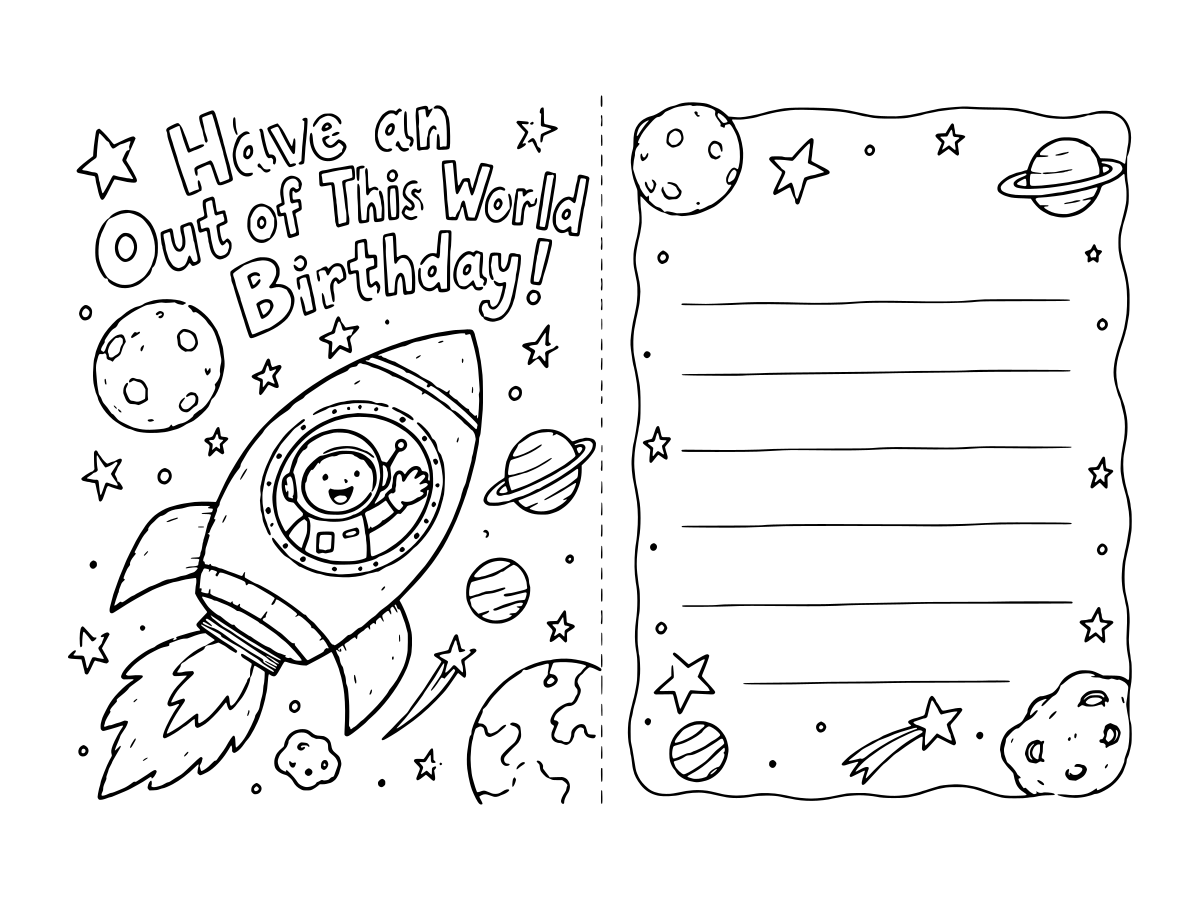
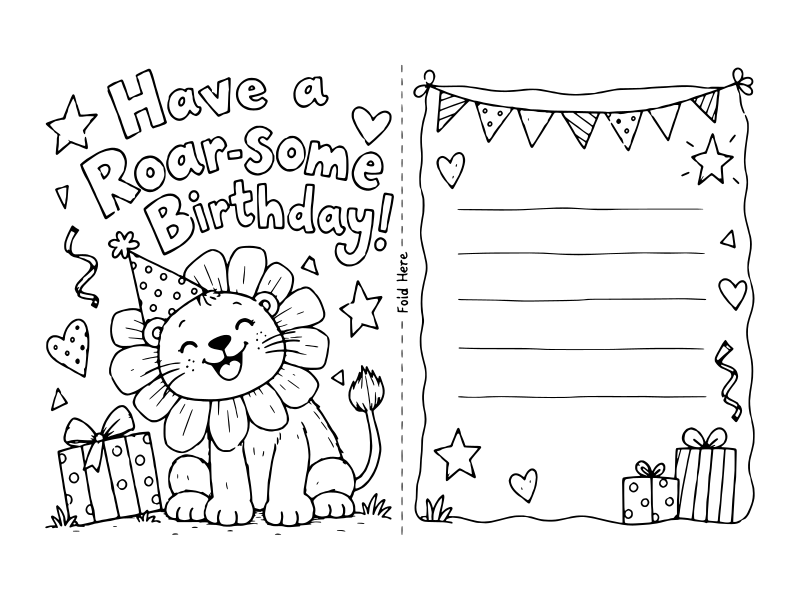
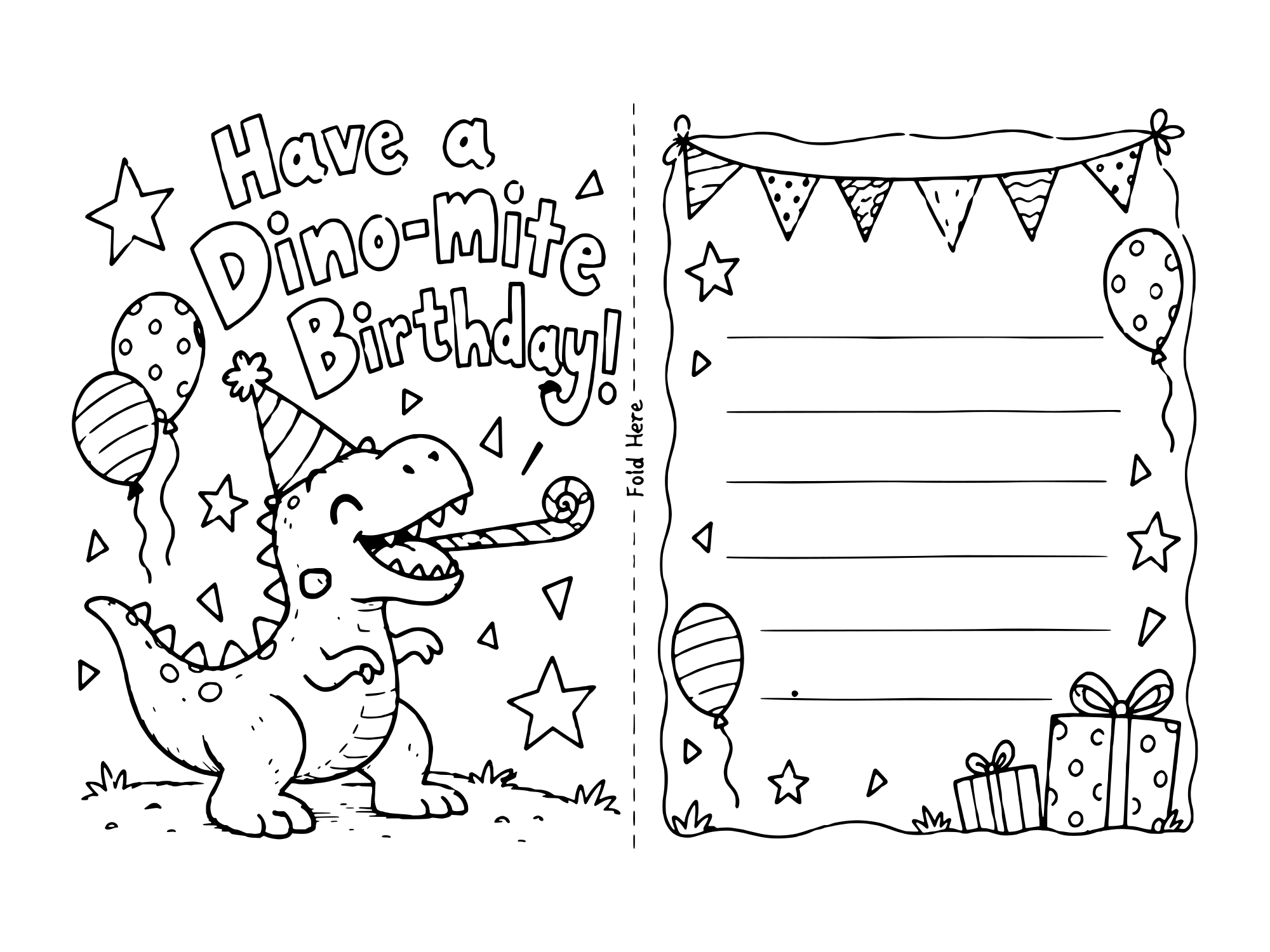
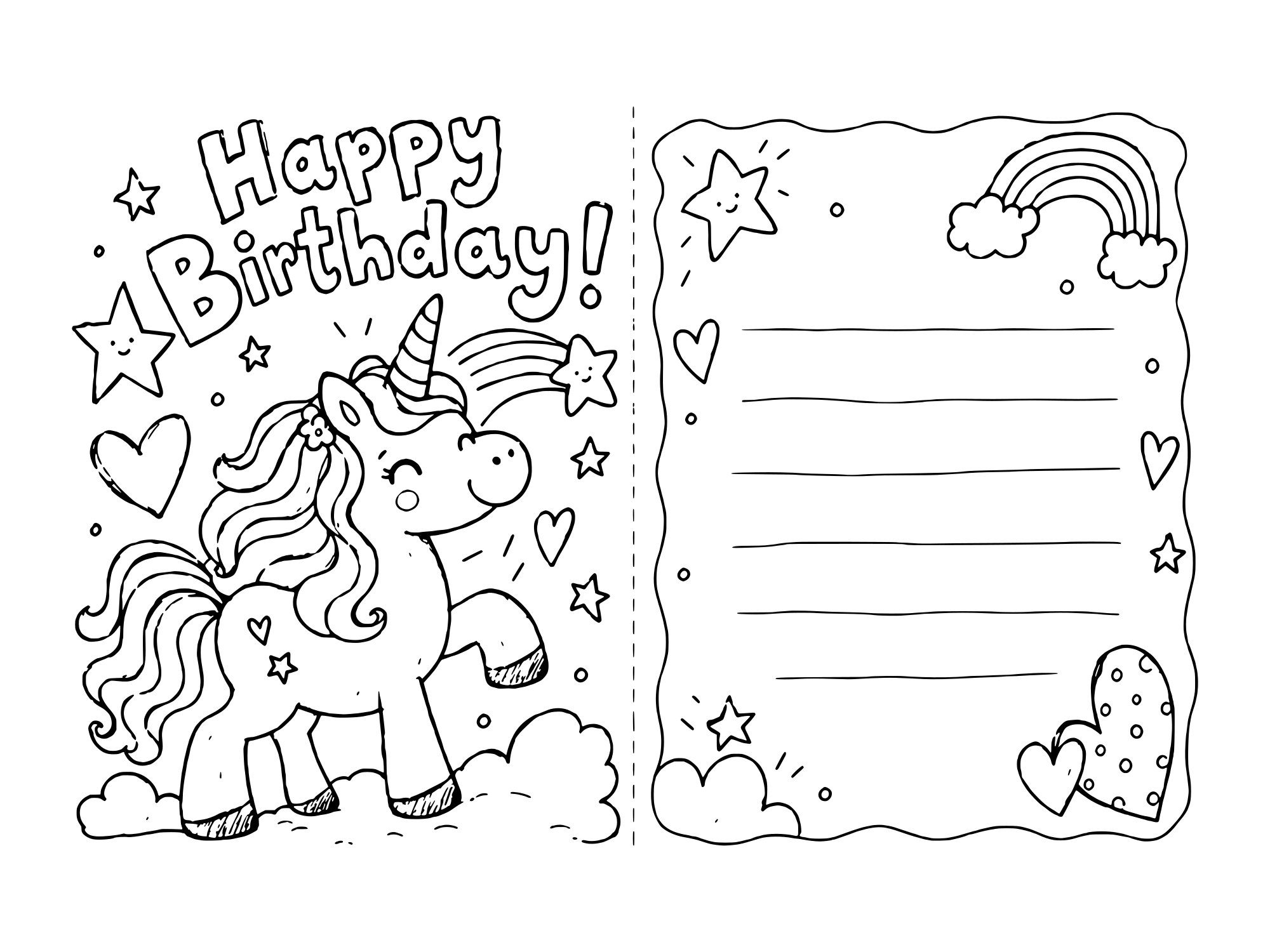
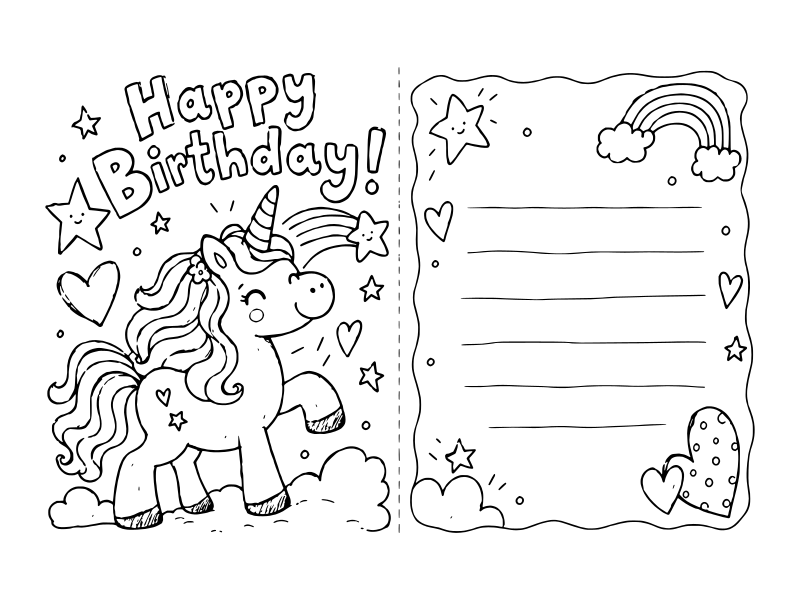
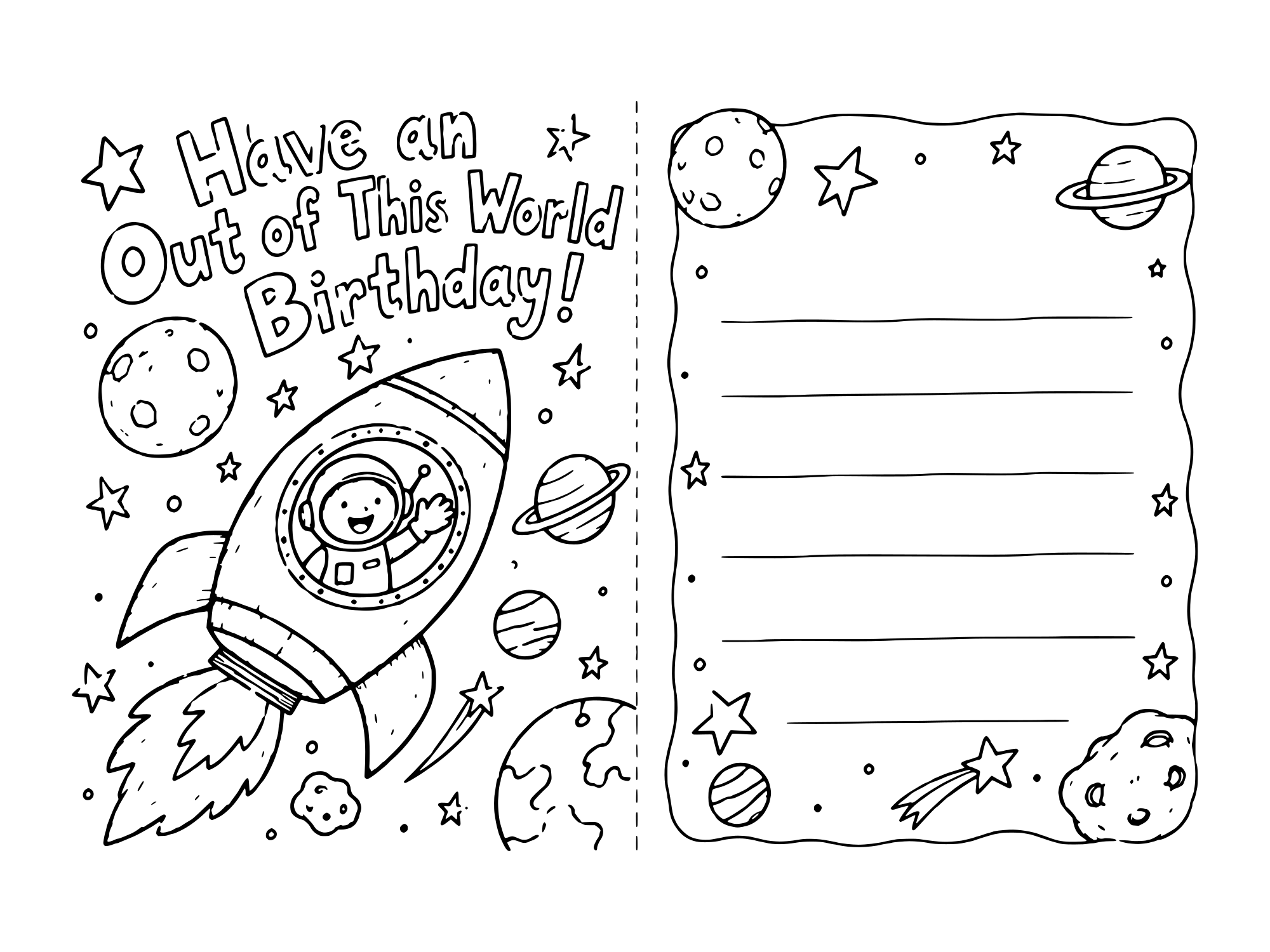
Coloring birthday cards to print for a kid to give: a bear, a lion, a dinosaur, a unicorn and a rocket, most of them with a pun on the front. Kids think the puns are hilarious, and so do the grandparents who get them.
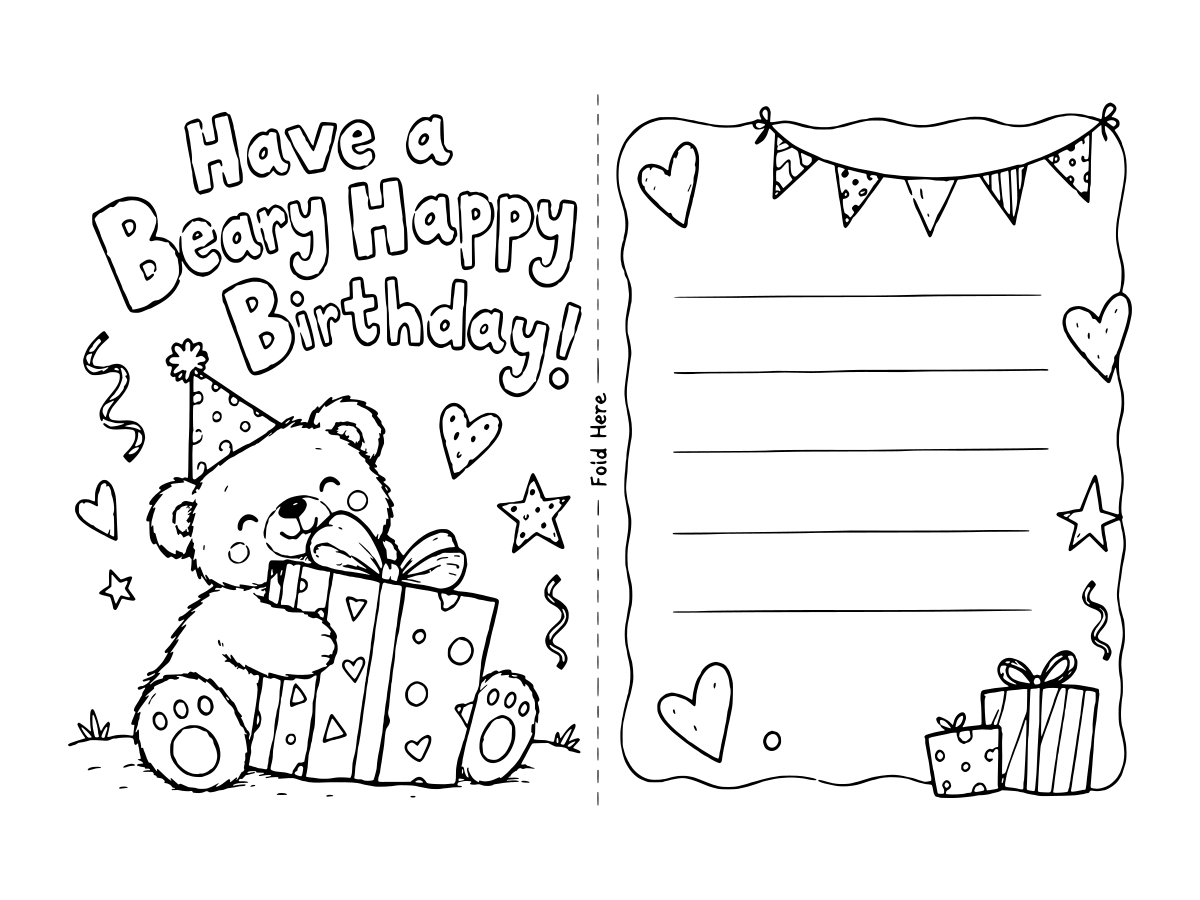
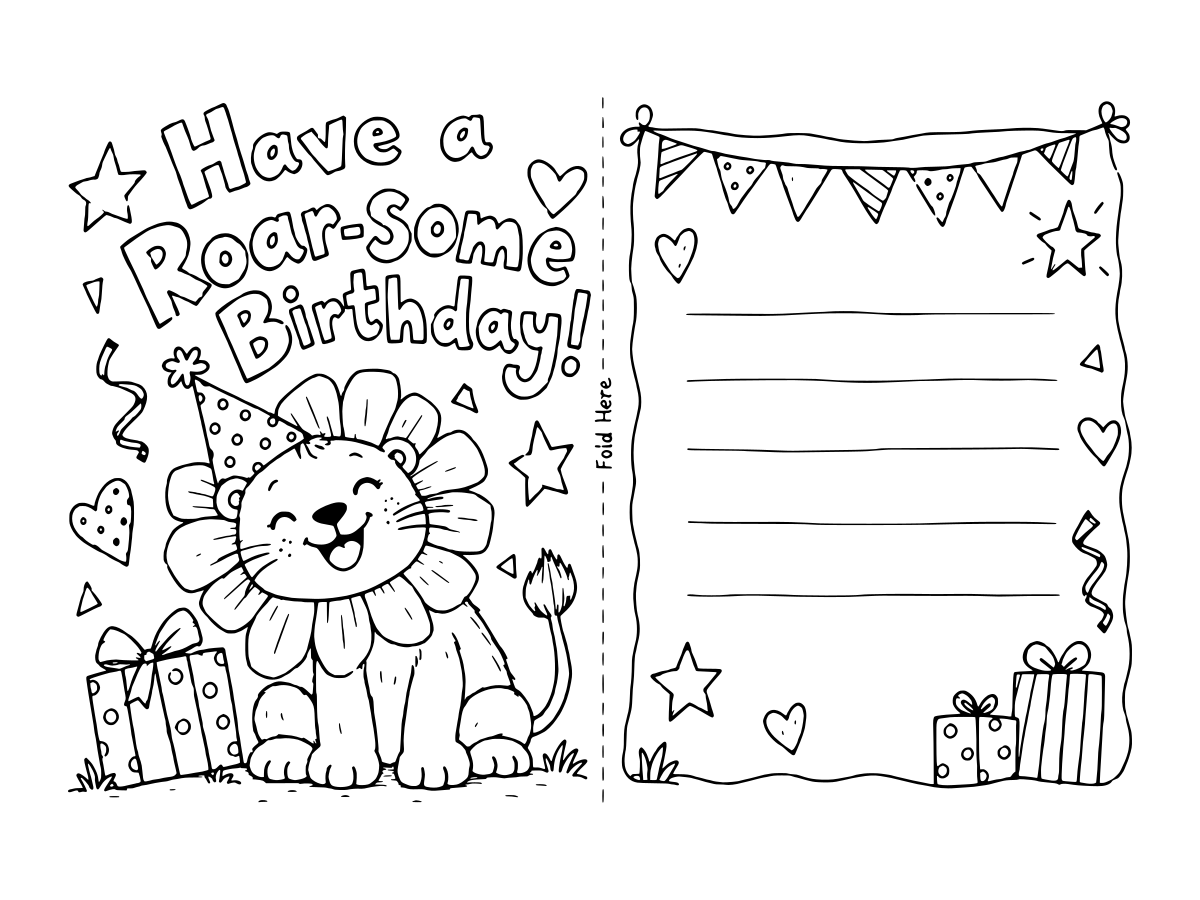
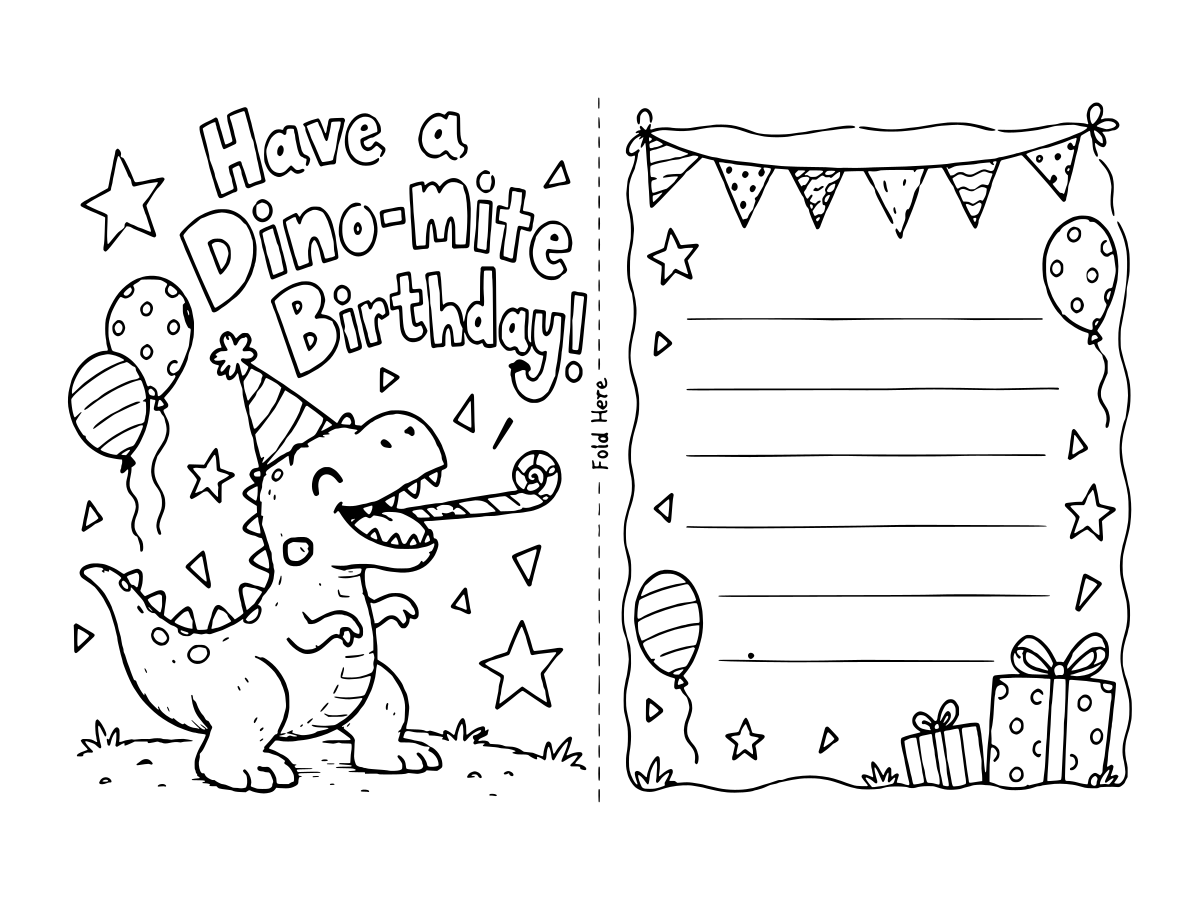
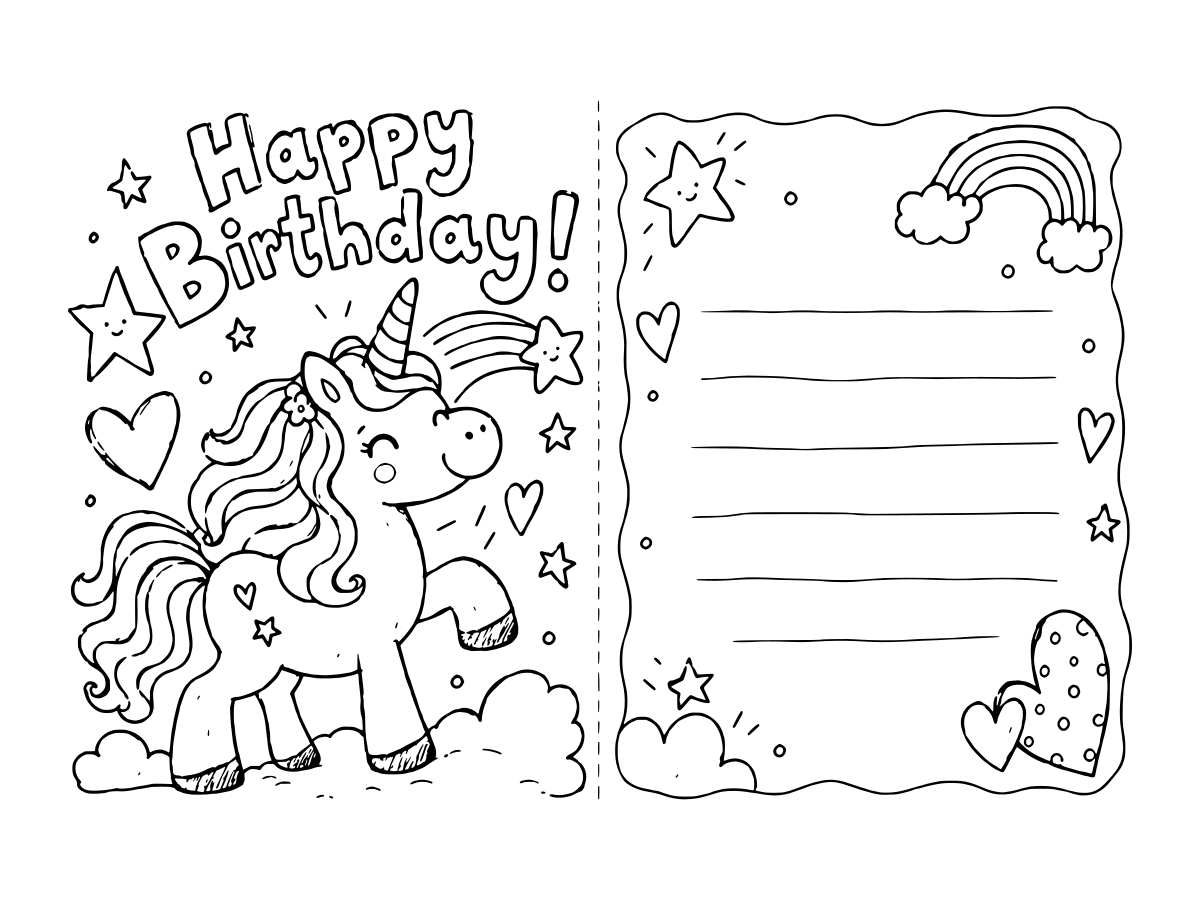
Happy birthday coloring cards for ages 5 to 9
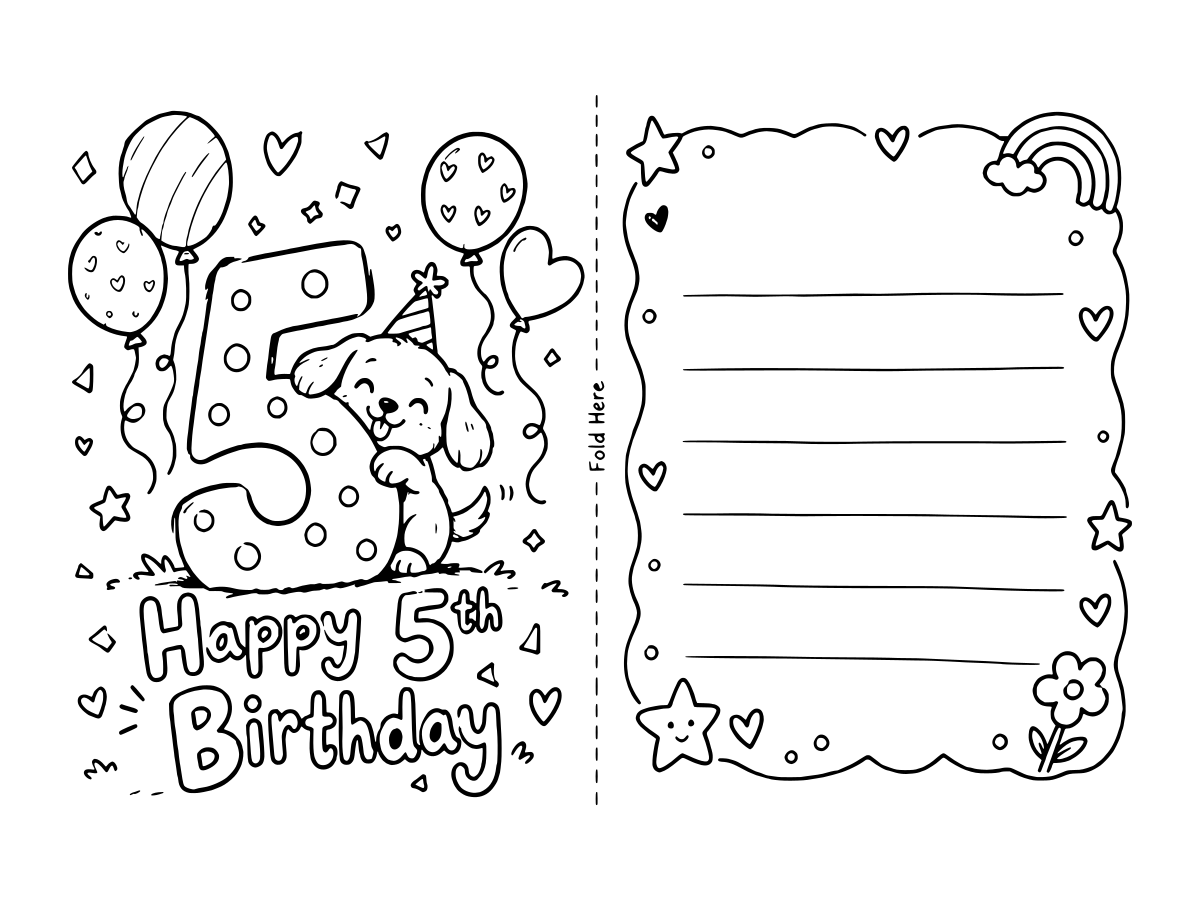
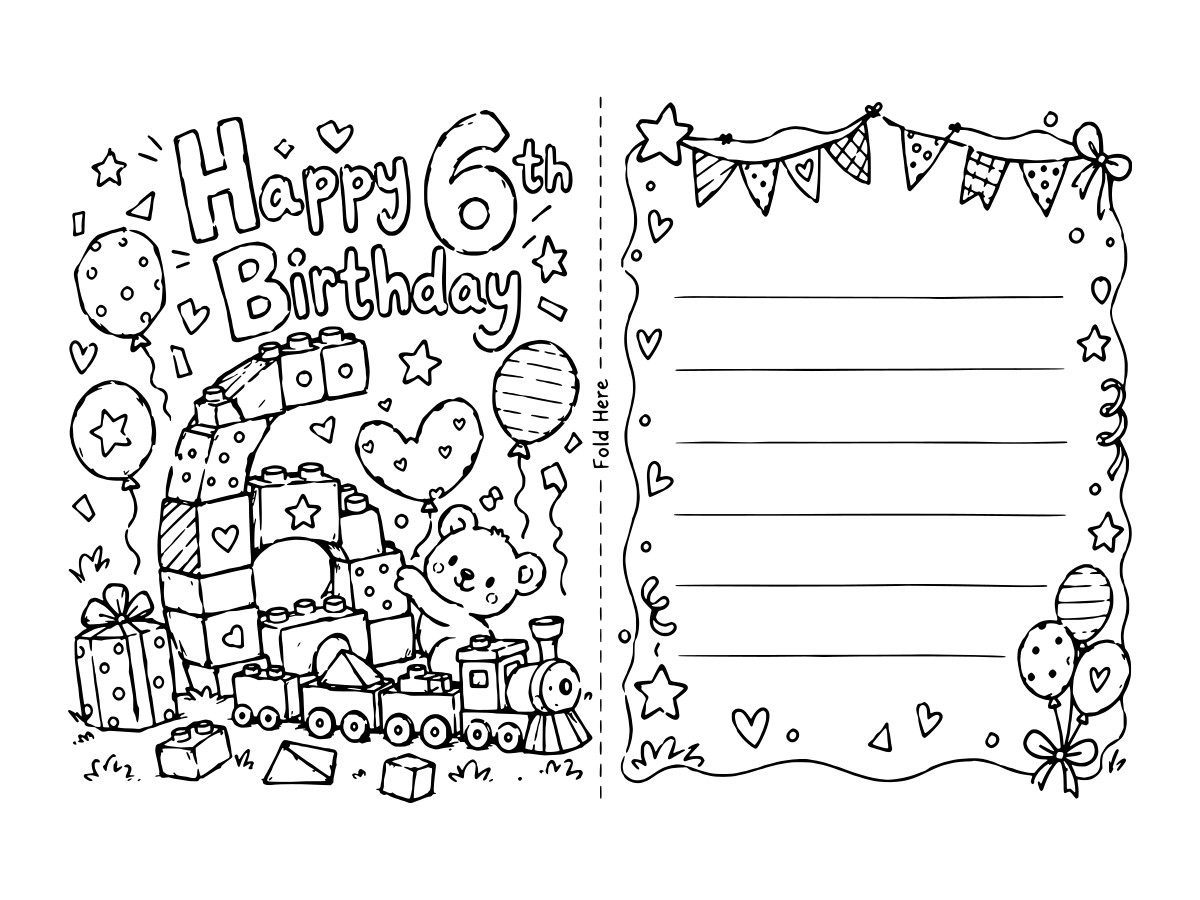
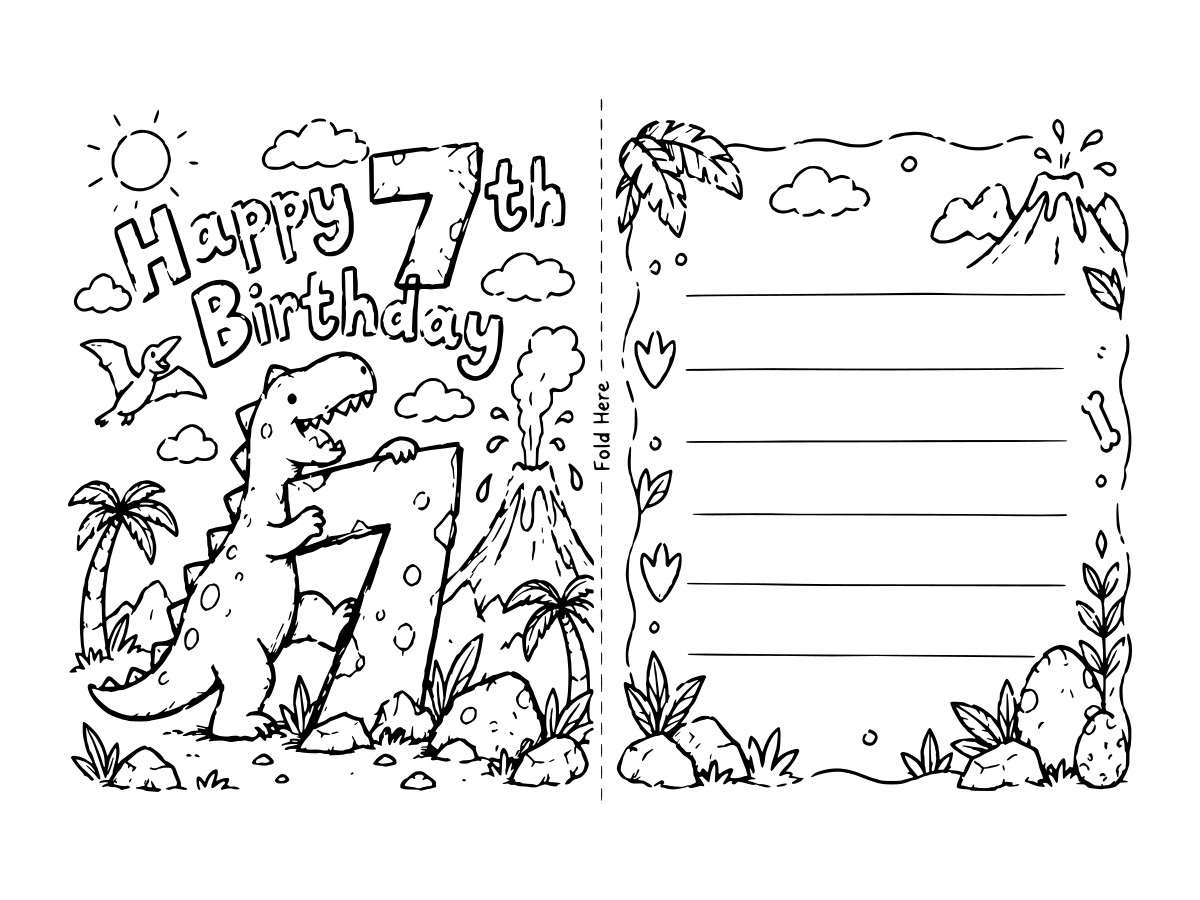
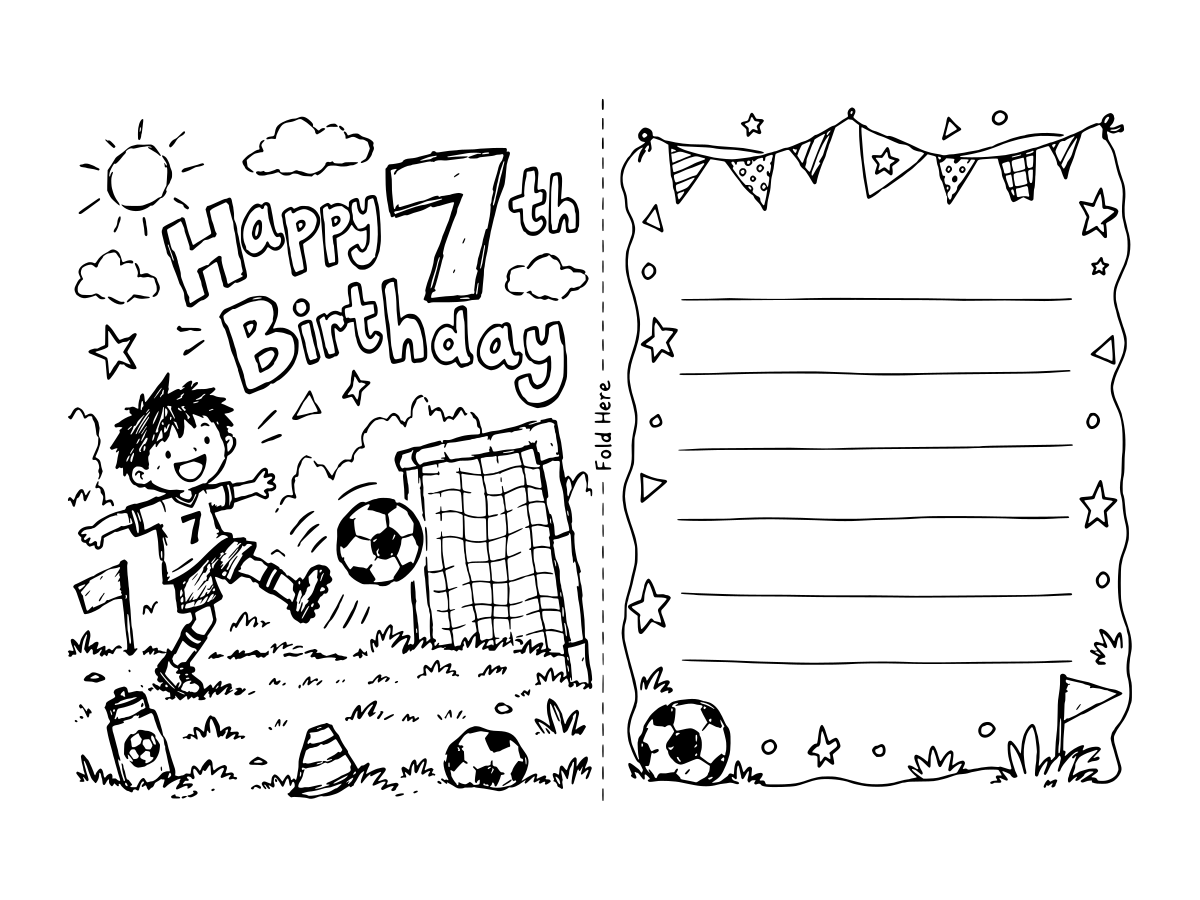
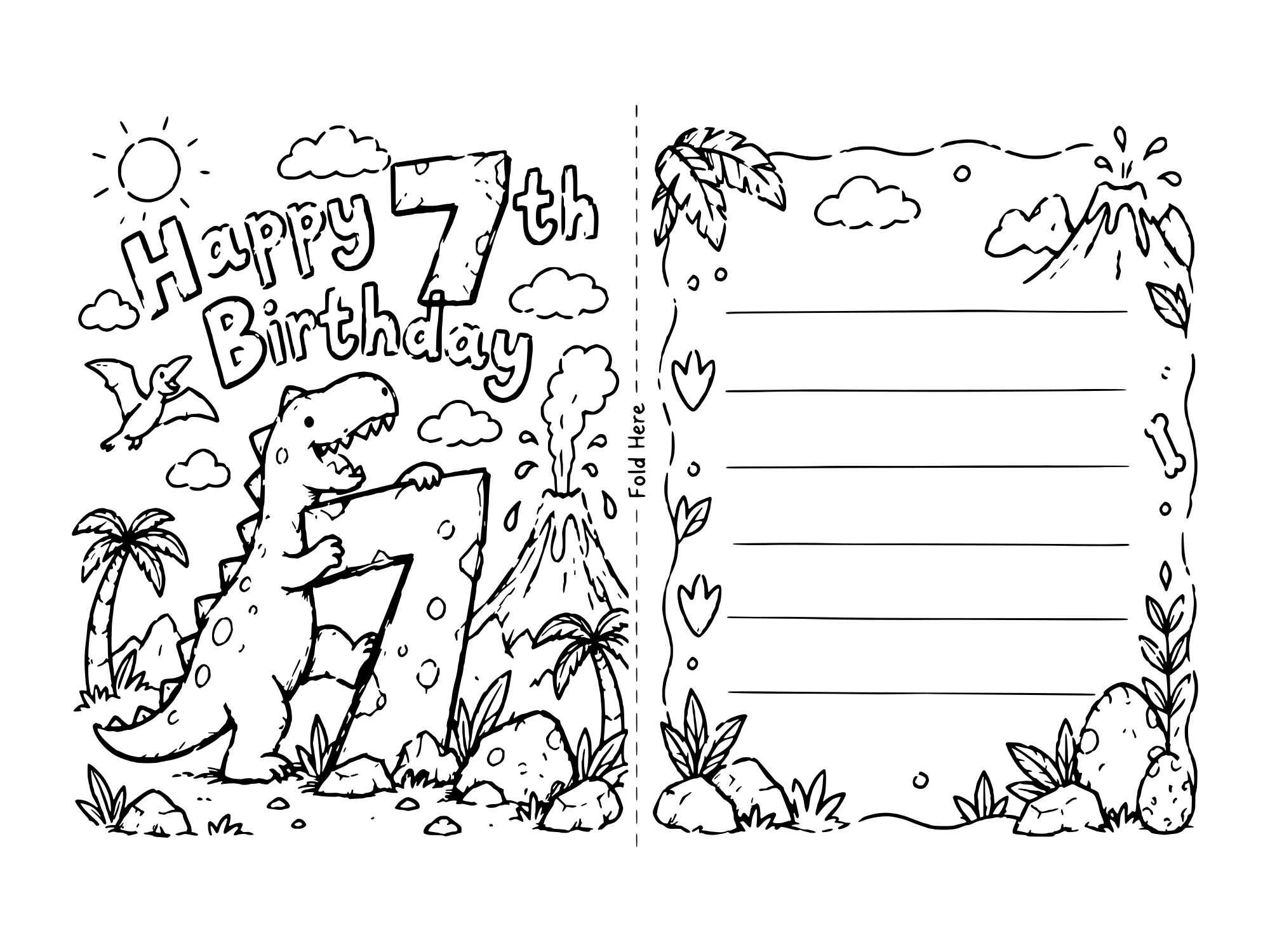
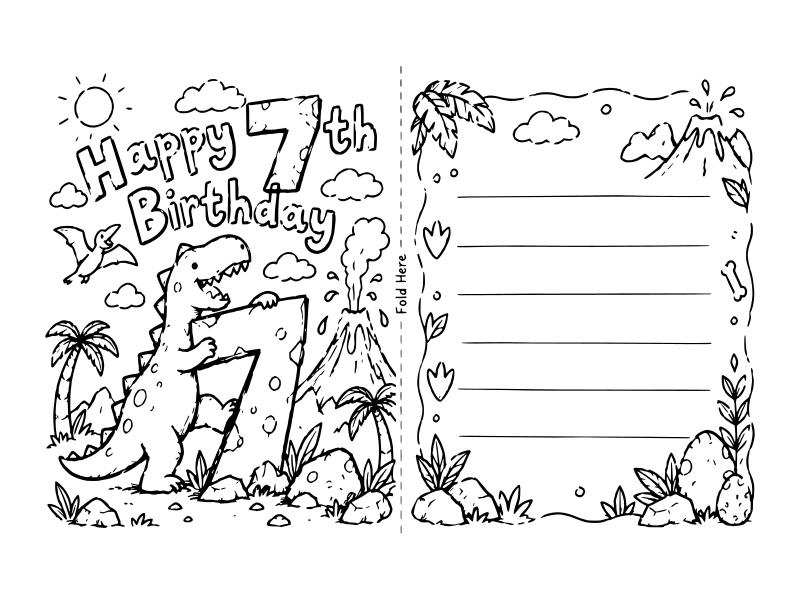
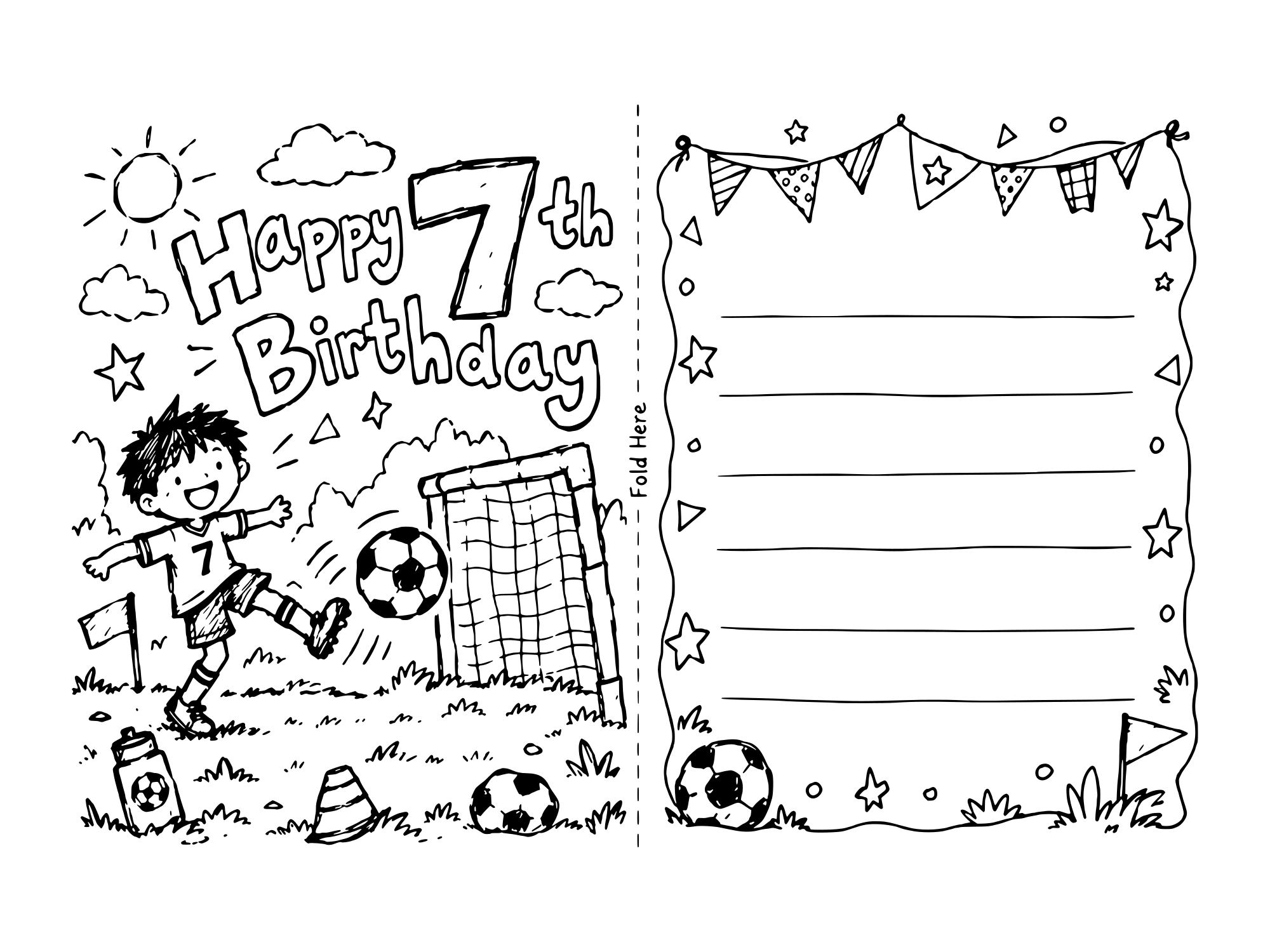
Happy birthday card coloring pages with a big number on the front to color in. There are two for a 7 year old here, a dinosaur and a soccer one. Five more 7th birthday cards: a robot, a race car, a digger, a pirate and a knight.
Blank birthday card templates to color
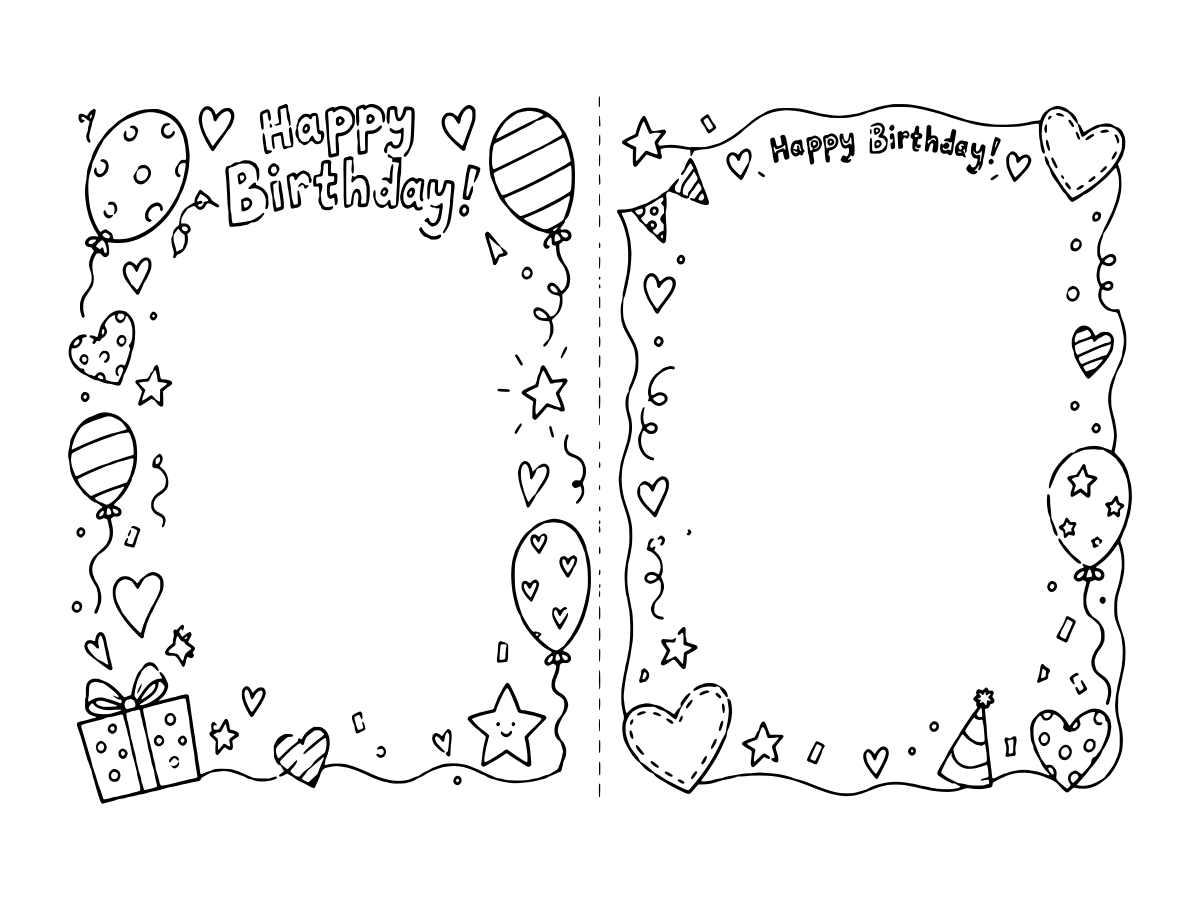
Two birthday card coloring templates: one with an empty cover for a kid to draw their own picture, and one with a big open back for a whole class to sign. Four more, with space for a name or an age.
Which birthday card to color for whom
Seventeen printable coloring birthday cards is a lot to scroll through when you just need one before tomorrow morning. The quick version:
| Who it's for | Card to print |
|---|---|
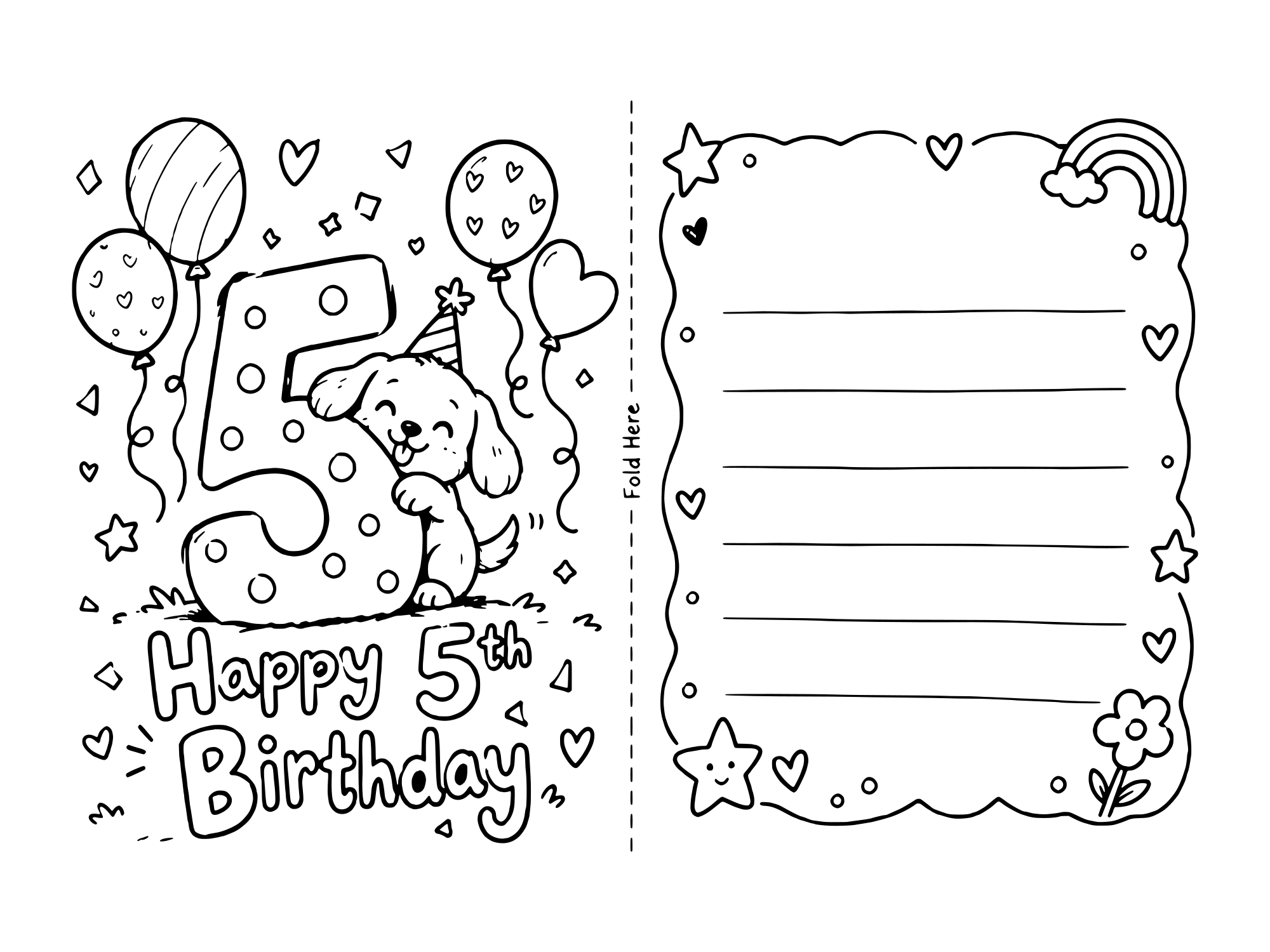
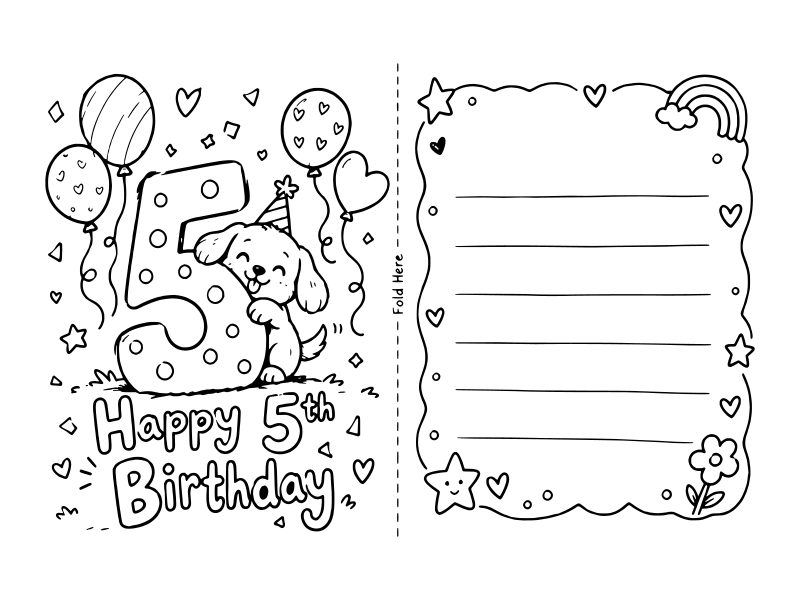
| A 5 year old | 5th birthday puppy |
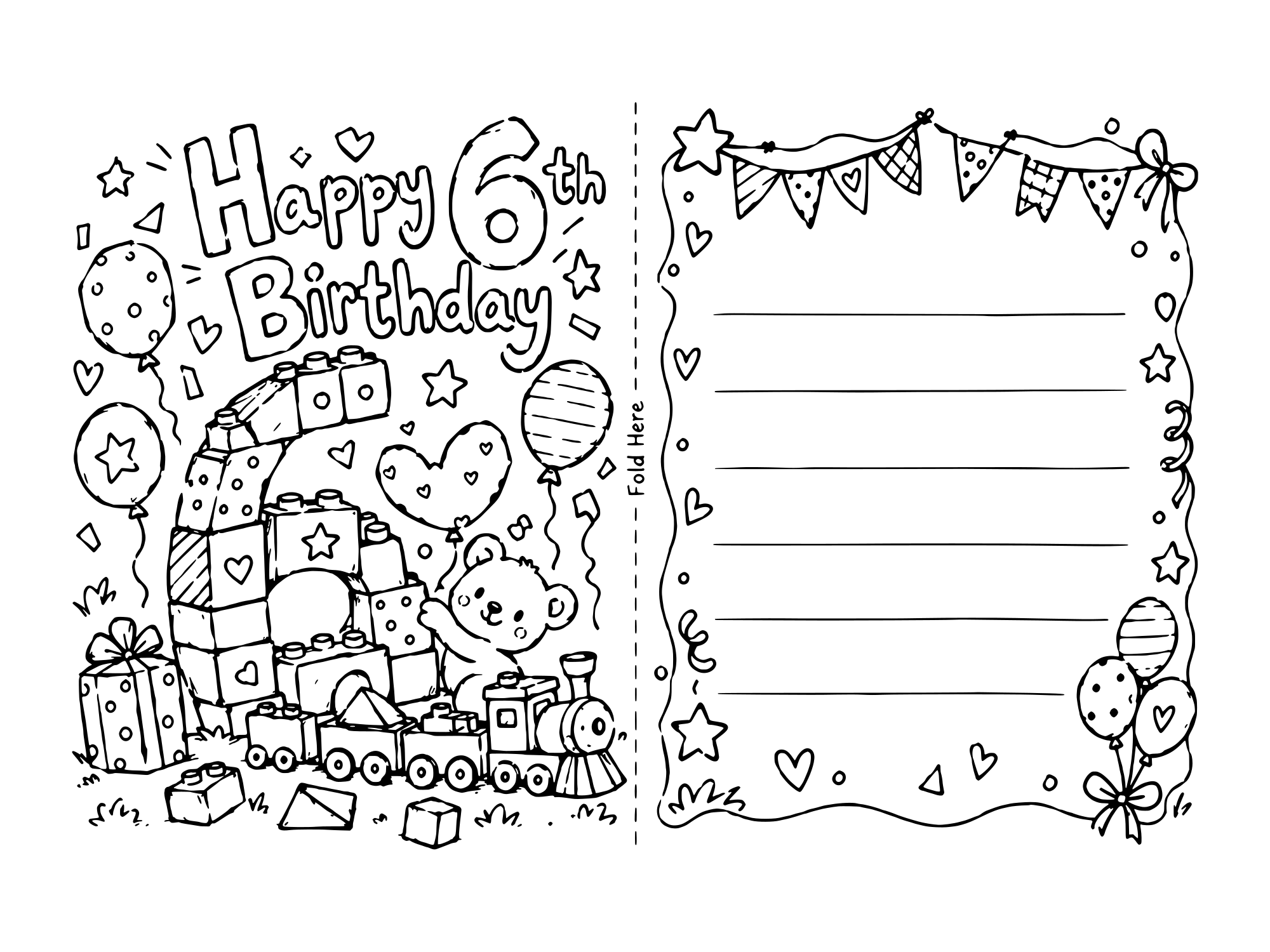
| A 6 year old | 6th birthday building bricks |
| A 7 year old boy | 7th birthday dinosaur or soccer |
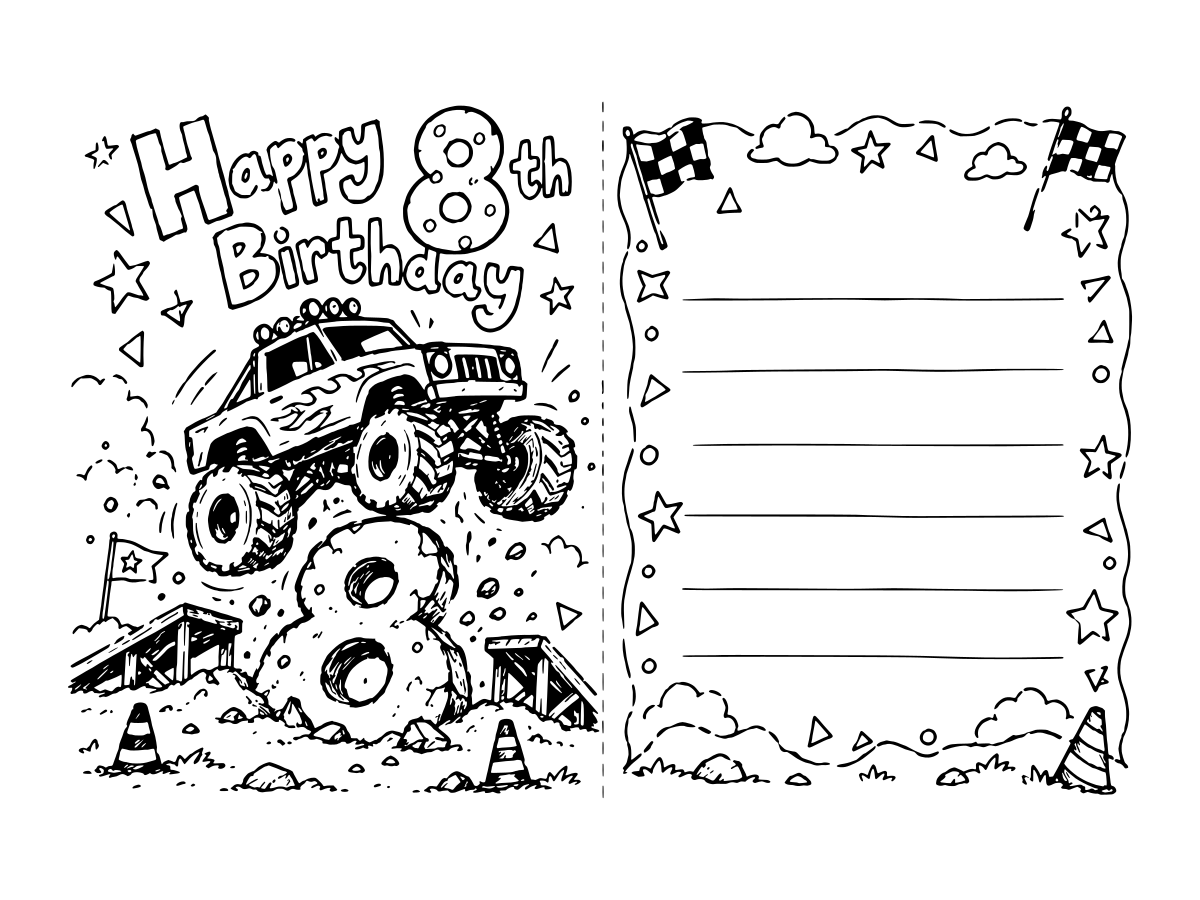
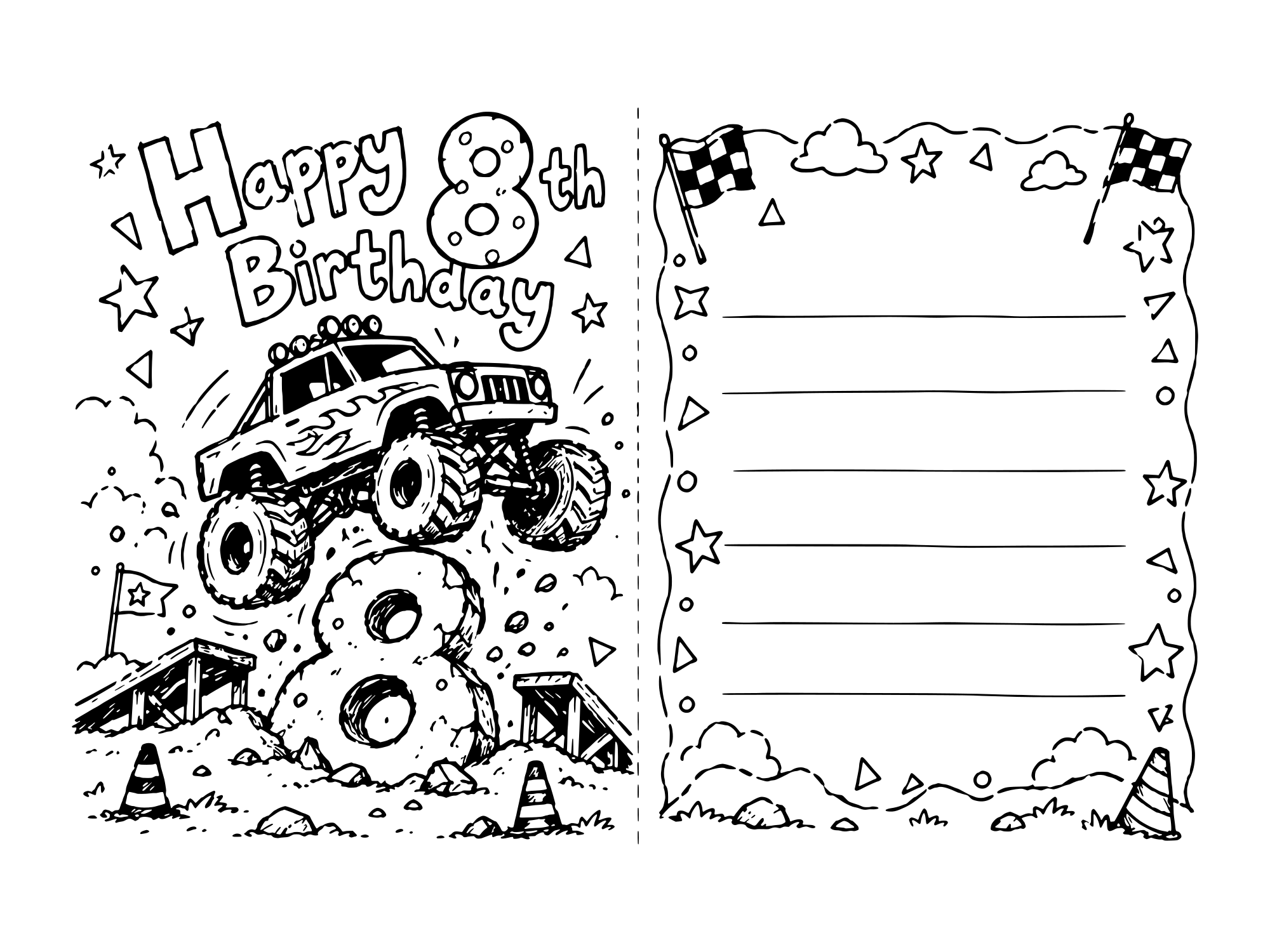
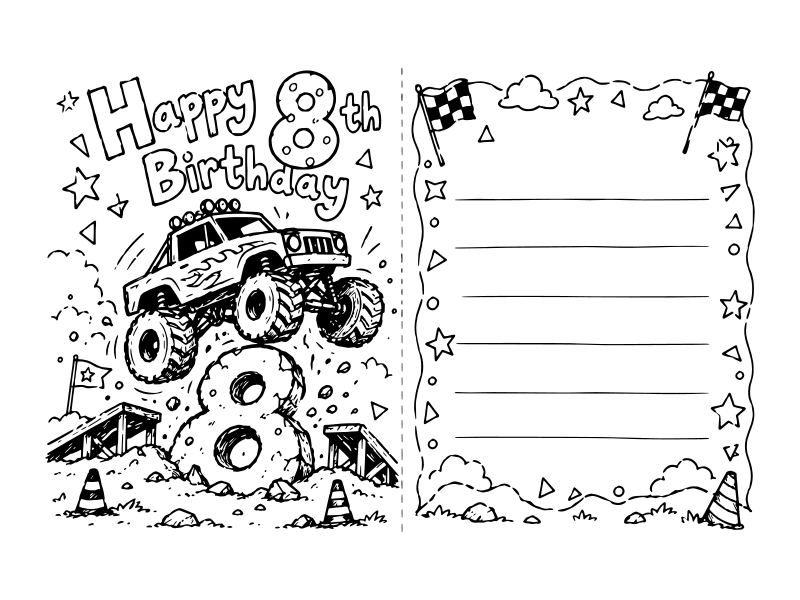
| An 8 year old | 8th birthday monster truck |
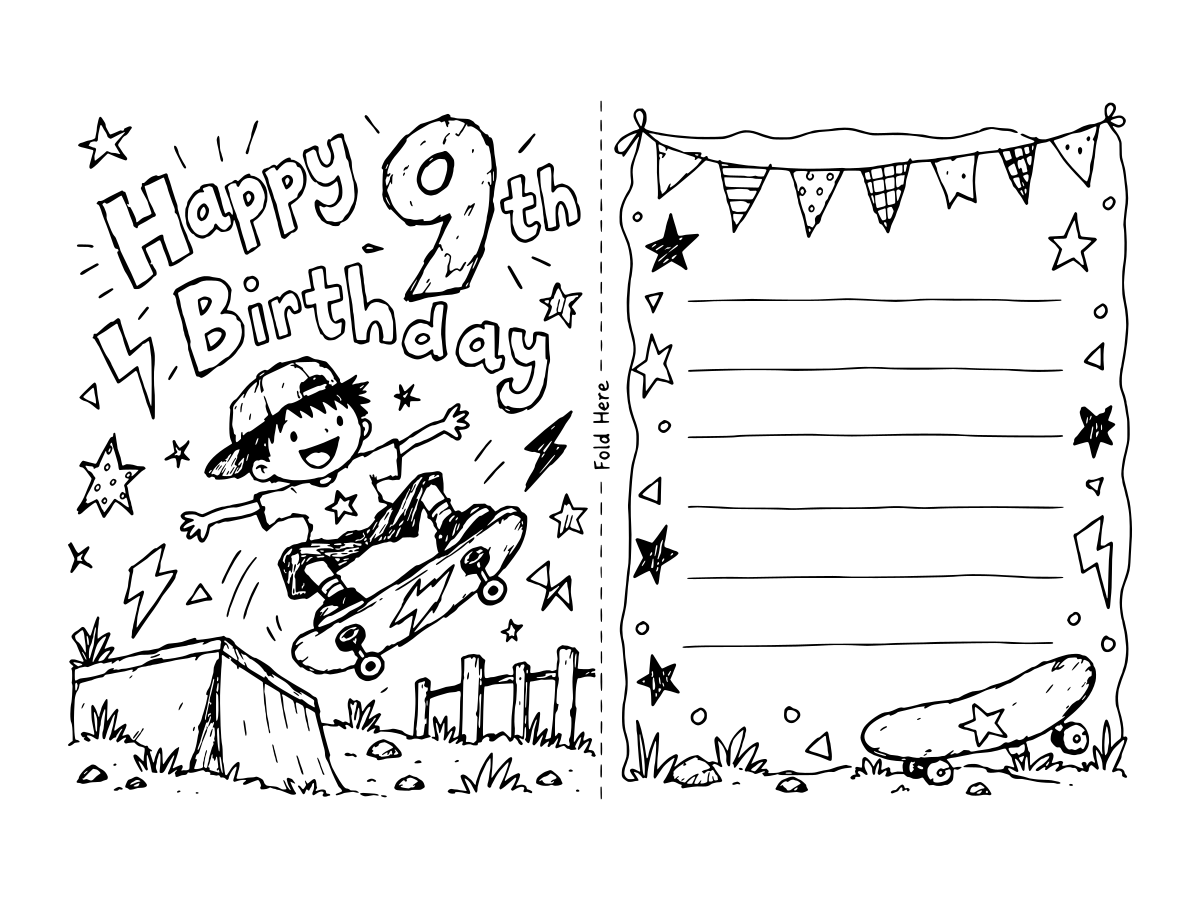
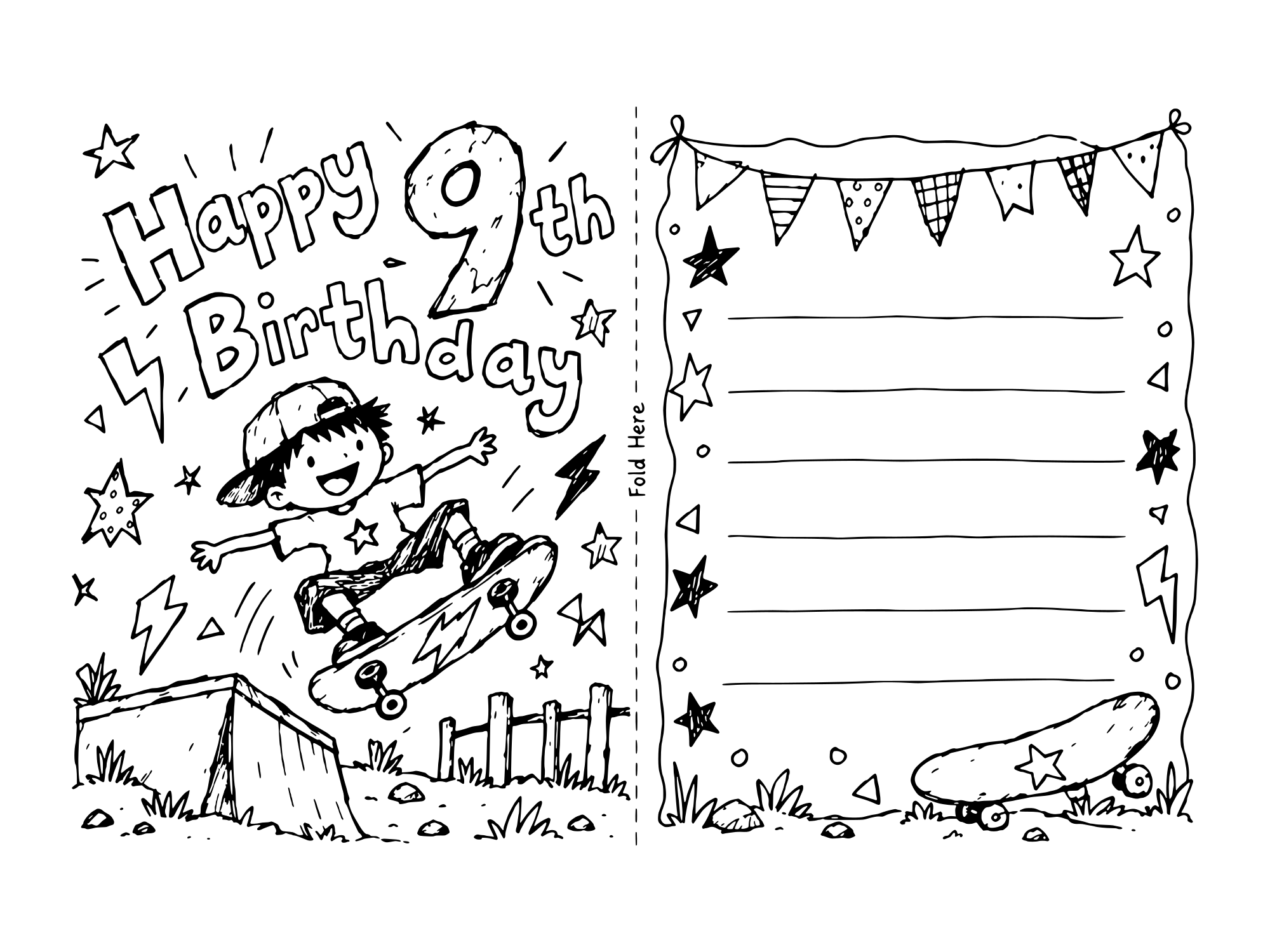
| A 9 year old | 9th birthday skateboard |
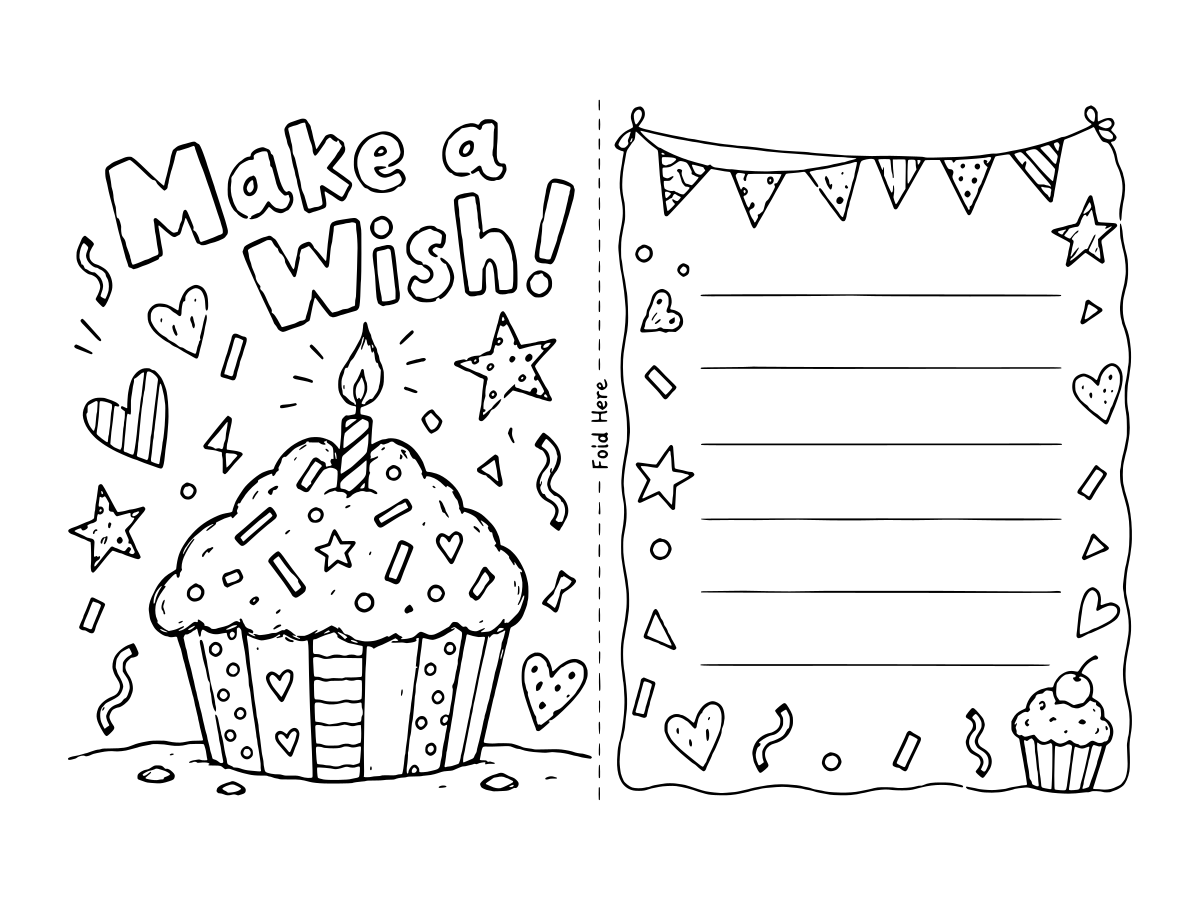
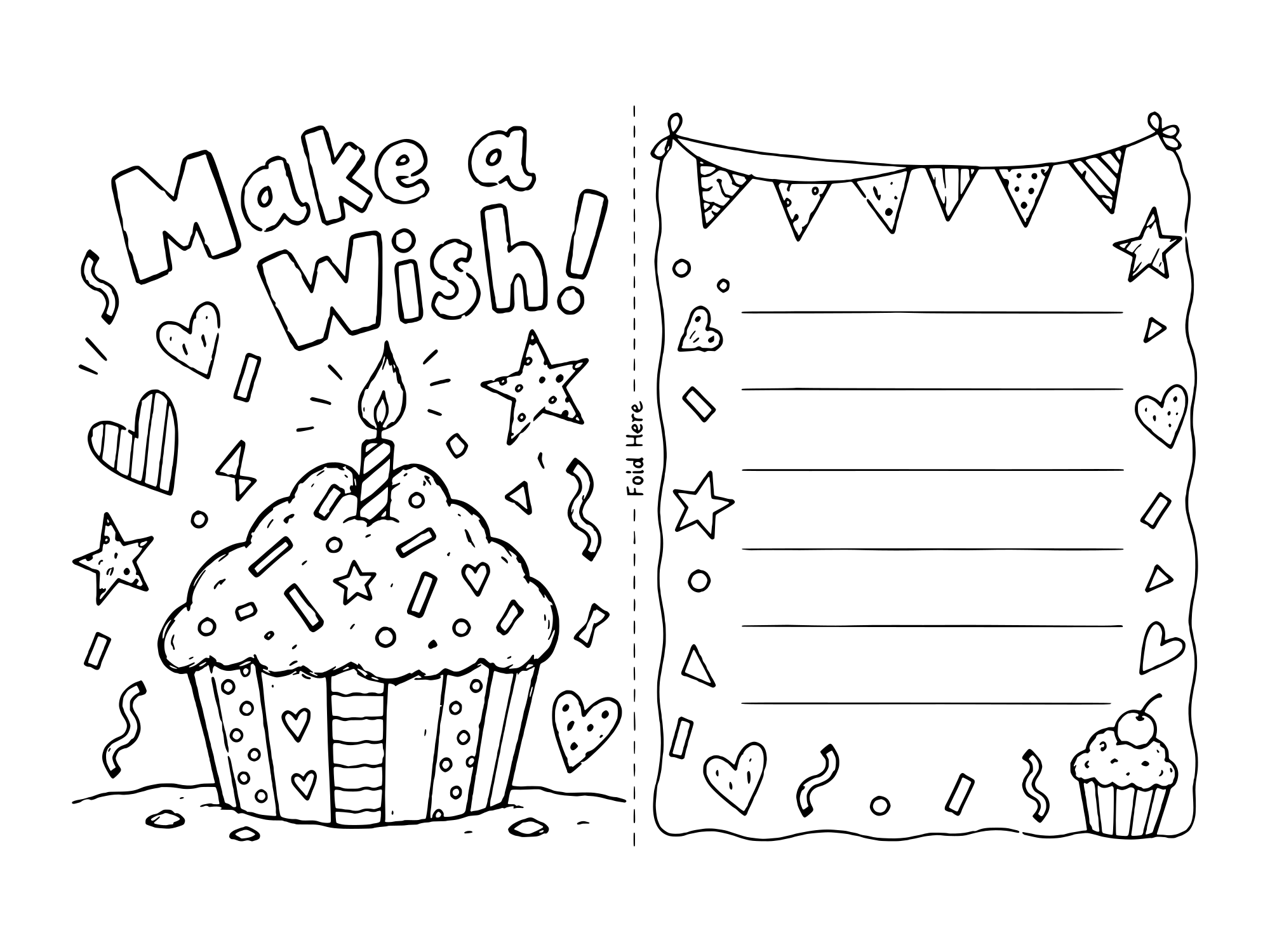
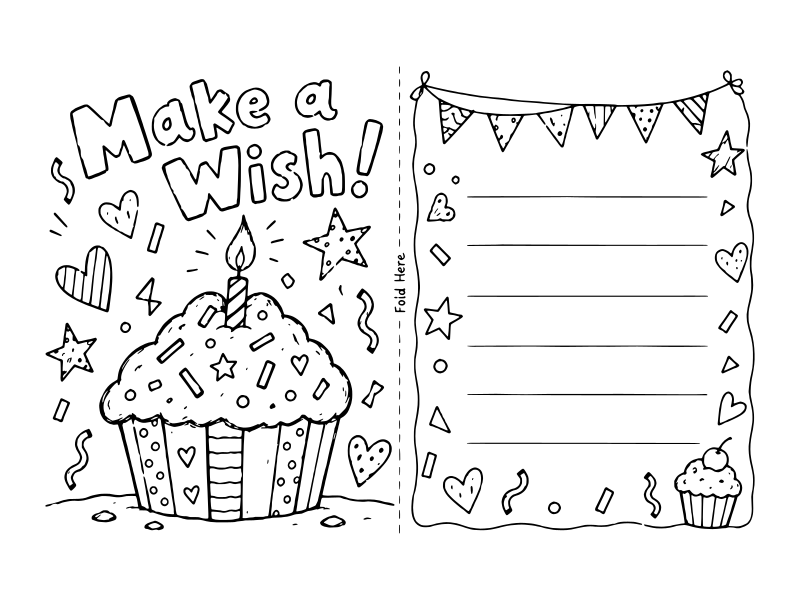
| A toddler coloring for someone | Balloon bunch or Make a Wish, the biggest shapes |
| Mom, grandma or a teacher | Flower bouquet |
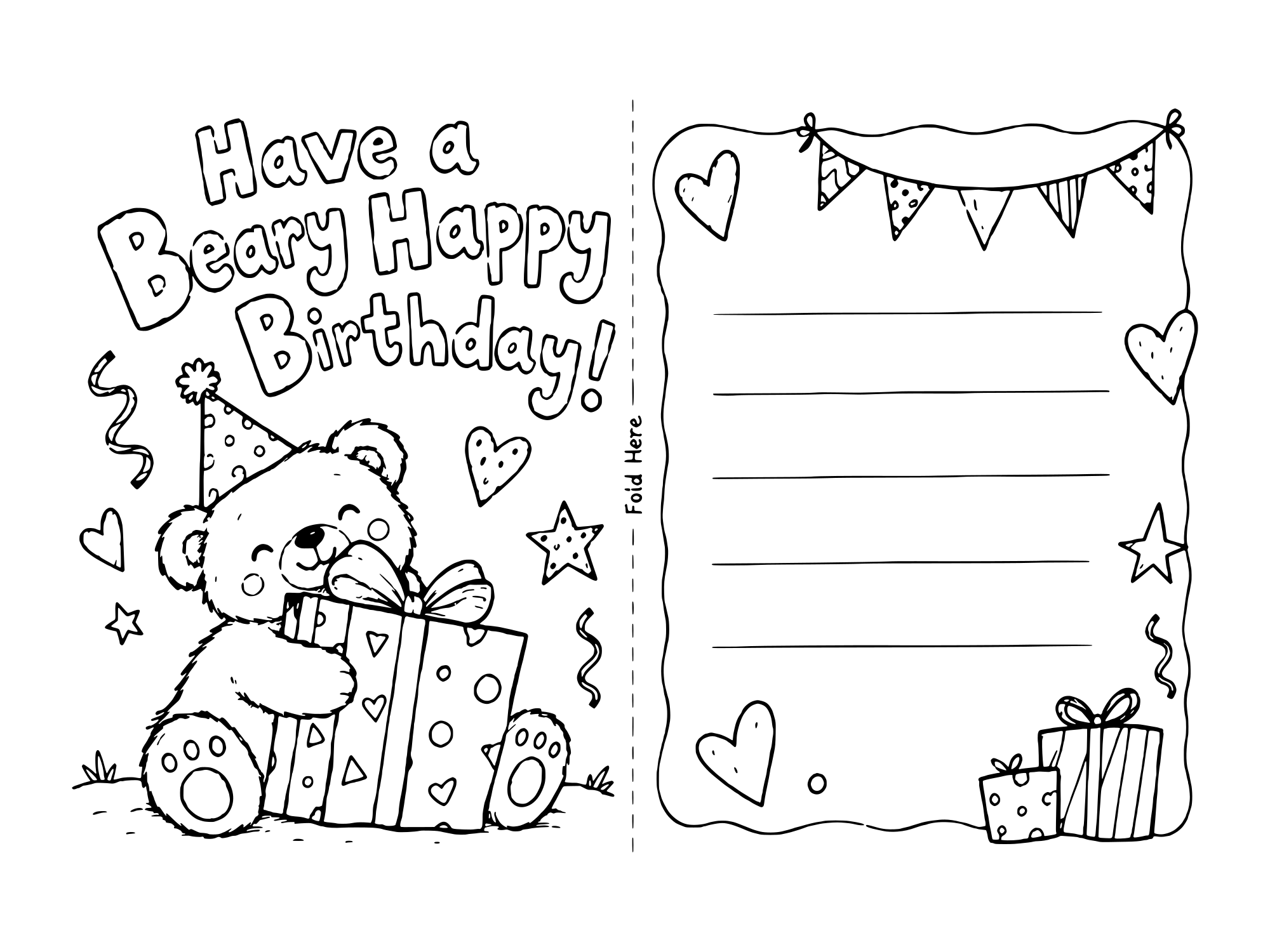
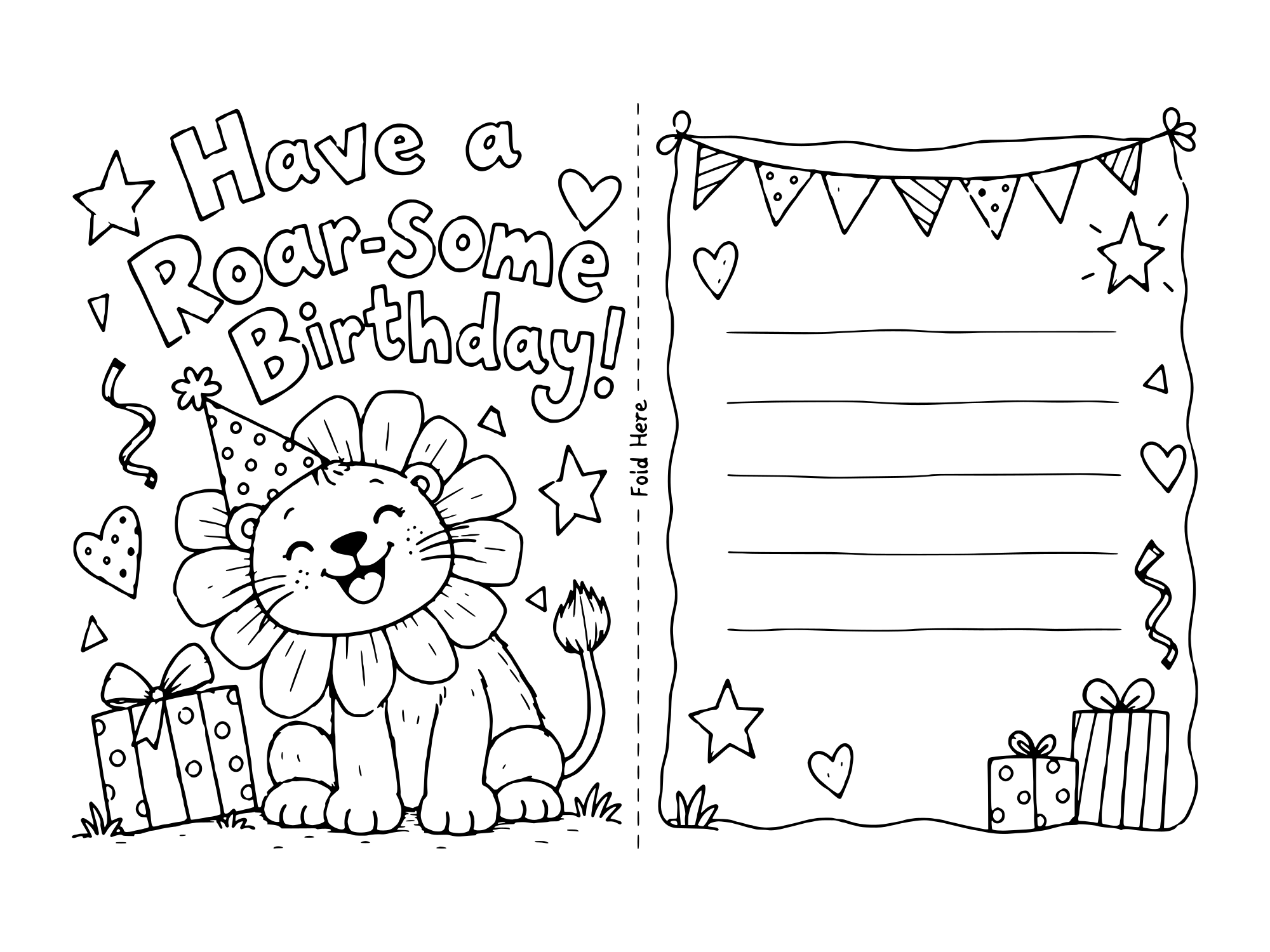
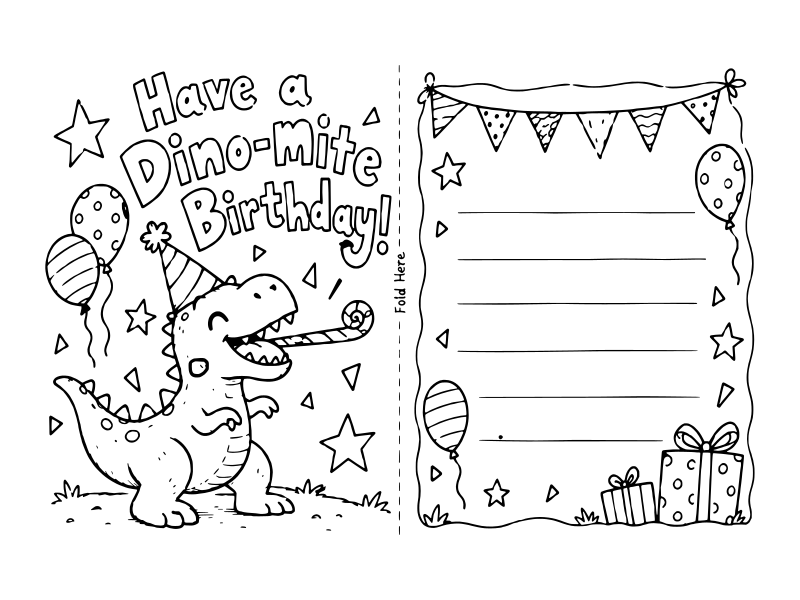
| Anyone who likes a pun | Beary Happy, Roar-some or Dino-mite |
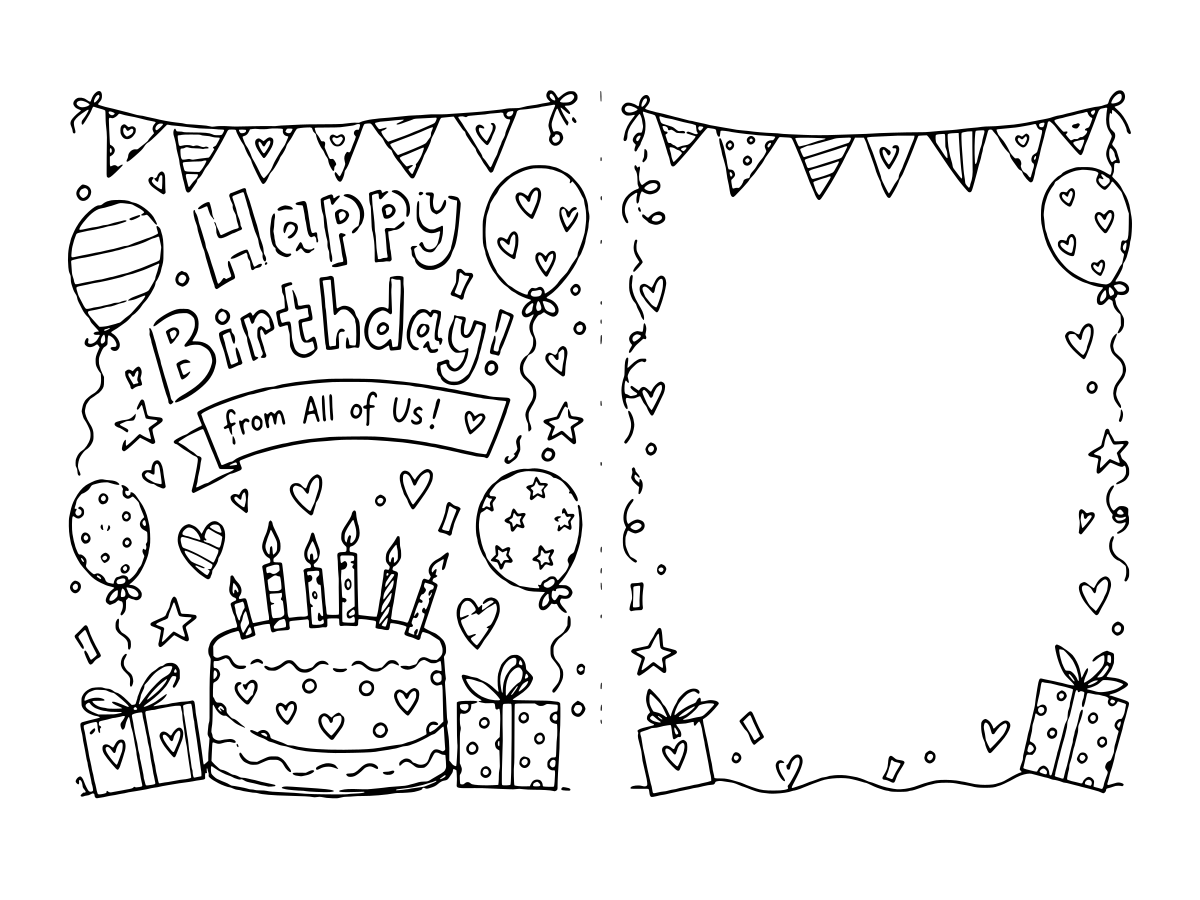
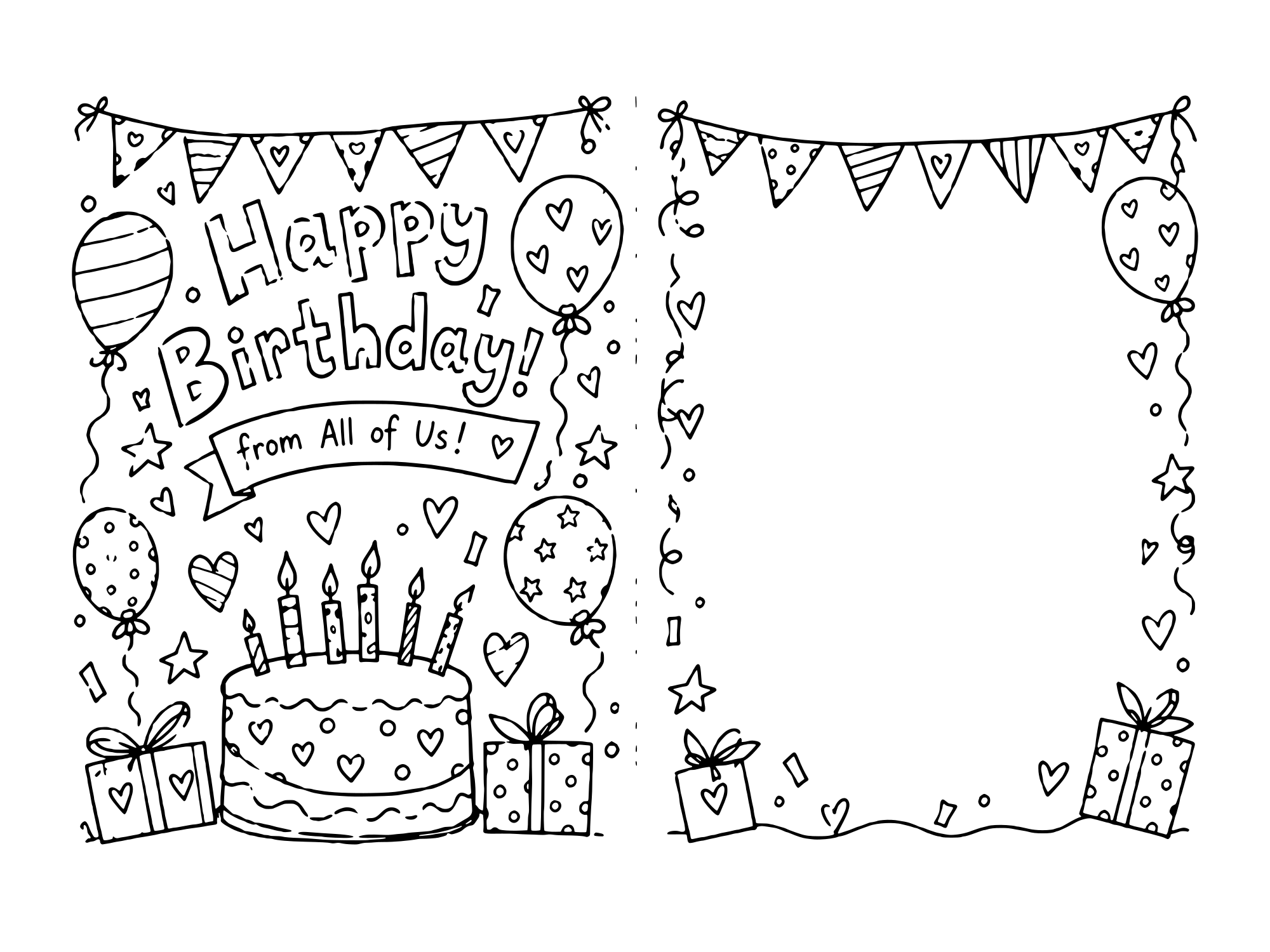
| A whole class to sign | From All of Us |
| A kid who'd rather draw | Blank card |
How to turn a coloring page into a real birthday card
Coloring birthday cards is one of those jobs that keeps a kid busy for a good half hour and ends with something the birthday person actually keeps. It takes about twenty minutes to color a birthday card and fold it, and every card here is laid out the same way, so this works for all of them:
- Print it on cardstock at actual size. Use light cardstock, around 65 lb, so the card stands up. Set the print scale to 100% or Actual size, and print in landscape.
- Color the front. The left half is the cover. Crayons and colored pencils work on anything. Markers are fine on cardstock but will bleed through plain paper.
- Fold along the dashed line. Fold it in half with the drawing facing out. The picture becomes the front of the card and the lined side becomes the back.
- Write the message. Write a short message on the lines on the back. The inside is left blank, which is the place for a longer note, a drawing or every signature from a party.
All of these free printable birthday cards to color fold to the same size. Folded, an A4 card is A5 and fits a C5 envelope. A US Letter card is 5.5 x 8.5 inches and fits an A9 envelope.
What you get when you download
Every design here comes in four formats, and all four are free. Tap any drawing to open it full size and they are all sitting there together.
-
A4 PDF 210 x 297 mm
What most of the world prints on. Open it, set the scale to 100%, done.
-
US Letter PDF 8.5 x 11 in
The same drawing laid out for American paper, so nothing gets cut off at the edges.
-
Transparent PNG 2000px
No white box behind the artwork. This is the one you want for Canva, a digital planner, or layering the line art over a background.
-
SVG vector
Opens in Illustrator, Inkscape, Affinity and Cricut Design Space, and stays editable. Resize it as large as you like and the lines stay sharp.
No sign-up for any of them, and nothing is watermarked. What you can and cannot do with the files is on the license page.
How to print these birthday cards
-
Tap to download
Any design above. The birthday cards download straight away, no email step.
-
Set the scale to 100%
Pick "Actual size" instead of "Fit to page". This one setting fixes almost every "why is it so small" problem.
-
Kill the headers and footers
Otherwise your browser helpfully prints the web address and today's date along the edges.
-
Use the right paper
Light cardstock around 65 lb, so the card stands up once it's folded. Plain copy paper works for practice, but markers will bleed through it.
Something still off? The full printing guide gets into paper weights, faint prints and why cards fold badly.
Frequently asked questions
How do I fold a printable birthday card?
Fold it in half along the dashed line, with the drawing facing out. The picture becomes the front and the lined side becomes the back. The inside stays blank, so there's room for a longer note too.
What size is the card once it's folded?
Printed on A4 it folds to A5, which is 148 x 210 mm and fits a C5 envelope. Printed on US Letter it folds to 5.5 x 8.5 inches, which fits an A9 envelope.
Which card should I print for a 7 year old?
There are two 7th birthday cards here: a T-rex climbing a giant 7, and a soccer one with a number 7 jersey. Five more are on the birthday card coloring pages for kids page: a robot, a race car, a digger, a pirate ship and a knight. If they're past numbers, the Dino-mite card and the Out of This World rocket card are both hits with that age.
Can a whole class sign one card?
Yes, that's what the From All of Us card is for. The back has no lines, just a big open space, so twenty-five kids can each squeeze a name in. Print it on cardstock so it survives being passed around the room.
Can I download these birthday cards as a PDF?
Yes. Every card here is a free printable birthday card to color in PDF, in two sizes: one laid out for A4 and one for US Letter. Tap a card and both PDF buttons are right there, with no sign-up. Print it landscape at actual size.
Can kids color the cards on a tablet instead?
Yes. Download the transparent PNG and open it in a coloring or drawing app like Procreate, or drop it into Canva. The lines sit on a clear background, so color goes underneath them. Print it when it's done, or send it as a picture.
Is there a blank card kids can draw on themselves?
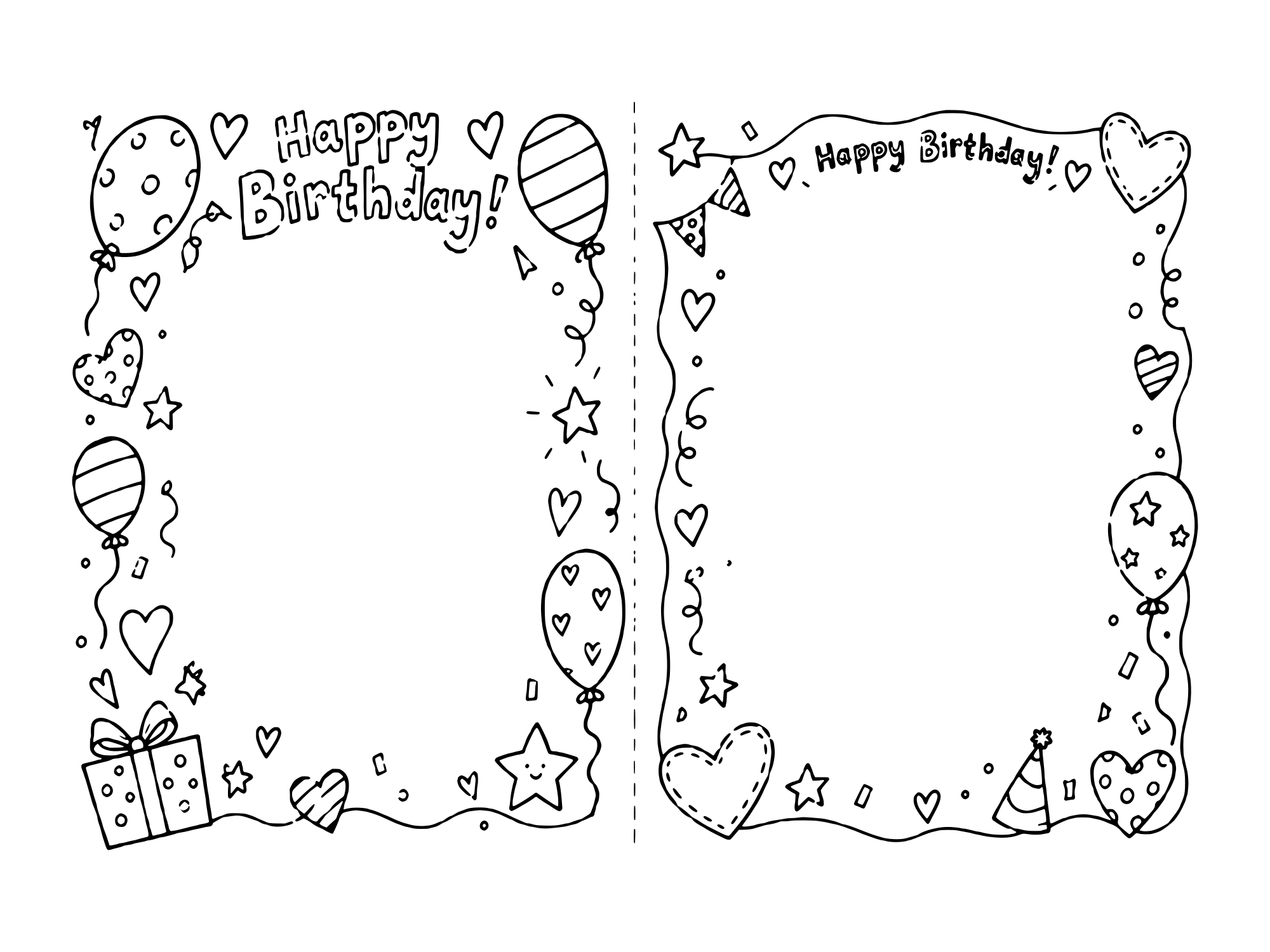
Yes. The blank card has a border of balloons and presents around an empty middle on both halves. Kids draw their own picture on the front and write their own message on the back.
Are these actually free?
Yes. Free to download, free to print, and you don't have to hand over an email address to get them. No watermark across the artwork either.
What paper should I use?
Plain copy paper is fine for crayons and colored pencils. Markers are a different story: they'll bleed straight through it. For those, and for anything you're folding or wearing like a card or a crown, use cardstock. Somewhere around 65 to 110 lb does the job.
Why is my printable coming out tiny?
Your print dialog is almost certainly set to "Fit to page". Switch it to "Actual size", or set the scale to 100%. While you're in there, turn off headers and footers, otherwise your browser prints the web address across the top of the sheet.
Will these print on A4 and US Letter?
Both. I leave enough margin that neither size chops anything off.
Can I sell these, or use them in something I sell?
No, sorry. Print as many copies as you want for your own family, party or classroom. But the files can't be sold, re-uploaded somewhere else, or built into a product. I drew them and I'd like to keep it that way.
What file formats do I get?
Four of them. Two PDFs, one sized for A4 and one for US Letter, which is all you need if you're just printing. A transparent PNG for dropping the line art into Canva or a cutting machine, with no white box behind it. And the SVG, which stays editable in Illustrator, Inkscape, Affinity or Cricut Design Space. Tap any design and they're all in the preview.
Can I use these in Cricut or Canva?
Yes. Cricut Design Space takes the SVG straight up, and so does Canva. If you're layering the design over a background, grab the transparent PNG instead, because the SVG and the PDFs both carry a white page behind the artwork.
More to color and print
Happy Birthday Coloring Pages for Adults Patterned coloring pages for grown-ups. Birthday Card Templates & Letterheads Blank card templates, outlines and letterheads. Happy Birthday Coloring Pages Flat pages to color: cakes, balloons, presents and lettering. Happy Birthday Mom Coloring Pages Tulips, a mama bear hug and breakfast in bed. How to Print The one setting that fixes a print that comes out tiny. Birthday Card Coloring Pages for Kids Five more 7th birthday cards and four fill-in templates. Printable Happy Birthday Signs A sign to color and hang up with the card. Printable Birthday Gift Tags & Labels A tag to tie on with the card. Free Printable Birthday Cards Already colored in. Print, fold, done. Birthday Card Images & Pictures A blessings card, a photo card and a name card. Funny Printable Birthday Cards Jokes about getting older, for adults and kids. DIY Handmade & Foldable Card Ideas Covers and a how-to-draw sheet for a handmade card. Printable Birthday Cards for Dad Six cards to color that say Dad, Papa or Grandpa. Printable Birthday Cards for Mom Three more cards that say Mom, Mother or Mum.
Foldable Birthday Cards to Color More cards that fold in half.
Coming soon
Happy Birthday Mom Coloring Card A card for kids to color for mom.
Coming soon